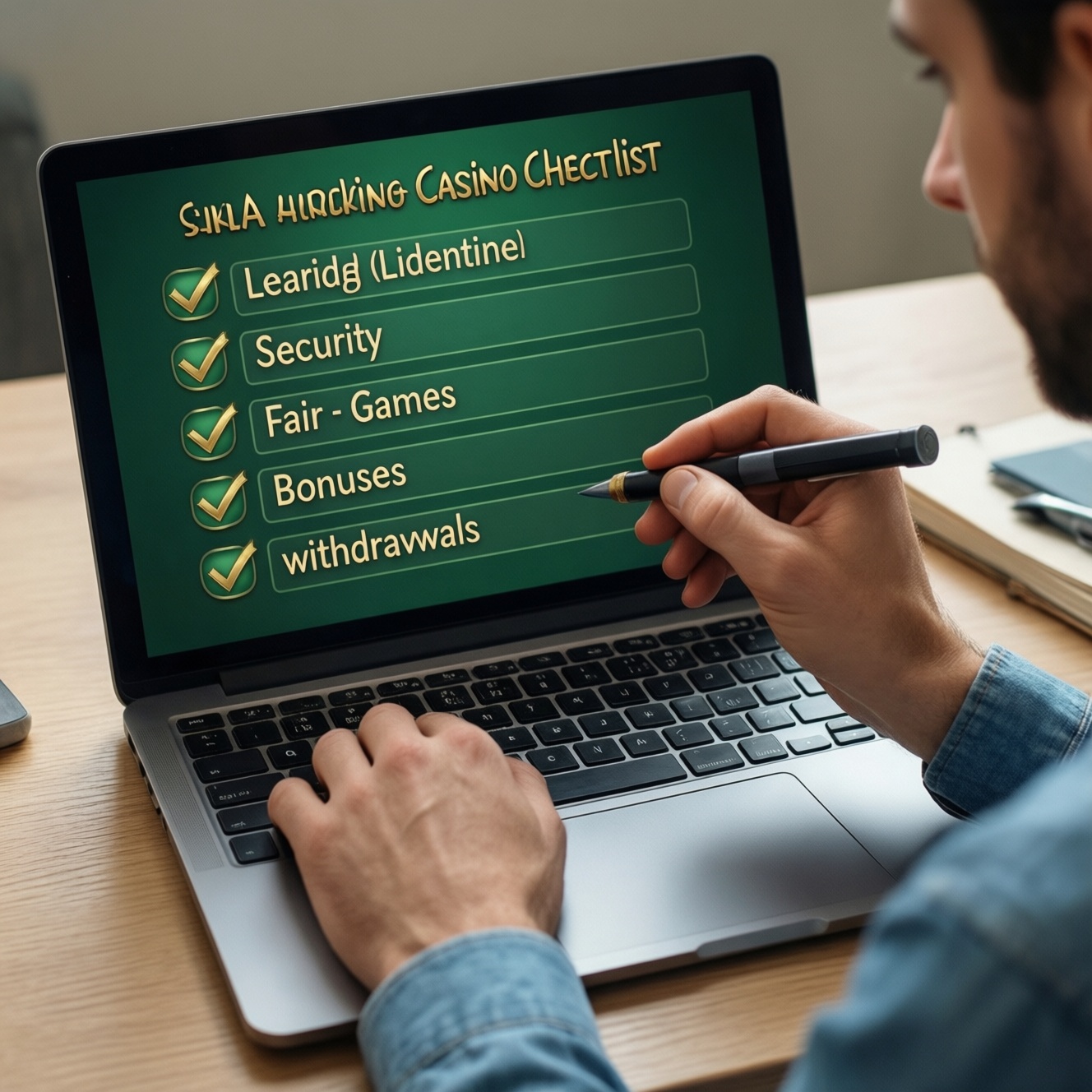
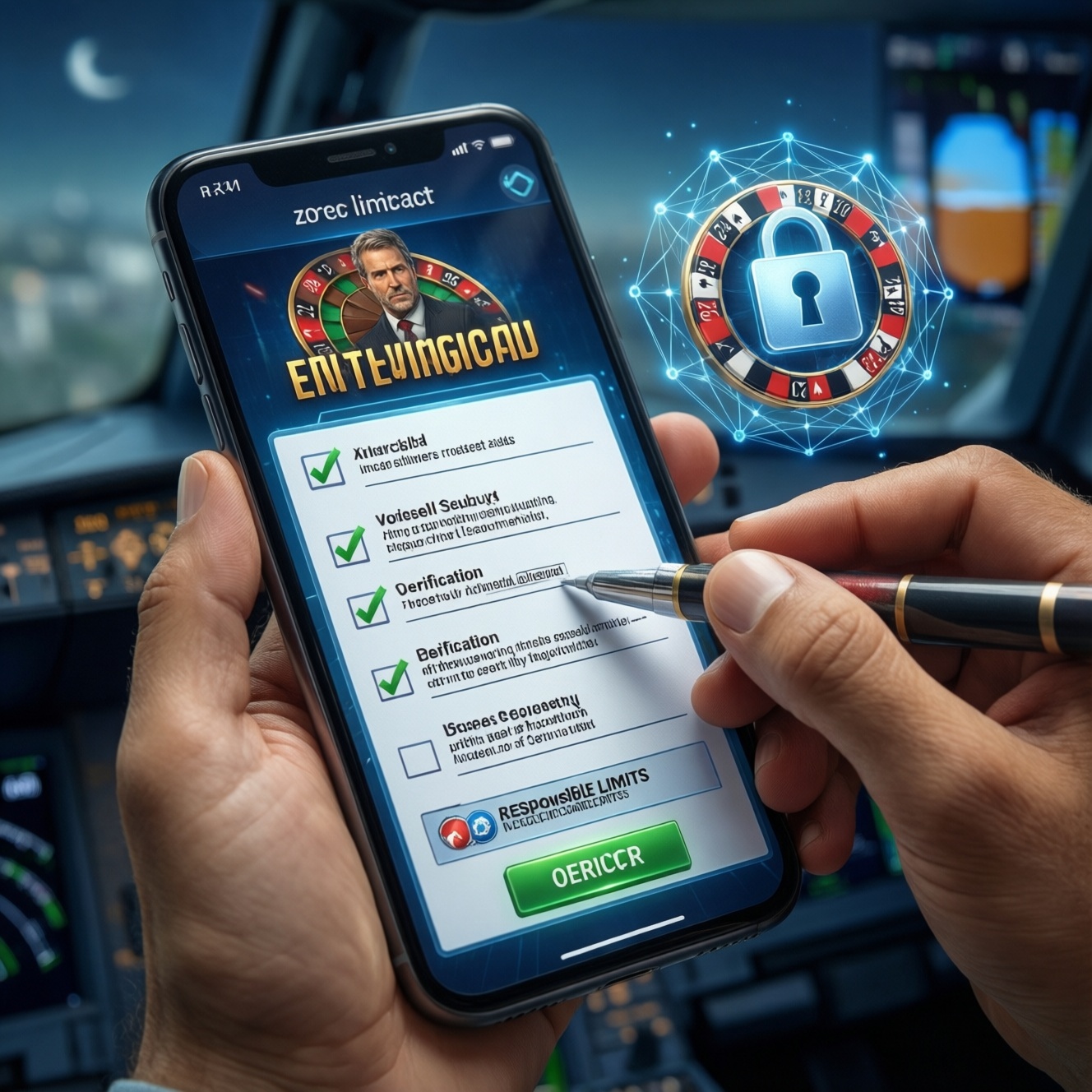
To get a smooth iOS/Android casino session, treat it like a quick pre-flight check: confirm your OS and storage are ready, use a secure network, decide whether an app or browser fits your needs, complete KYC before depositing, and set responsible limits. This checklist reduces crashes, payment delays, and account locks.
Essential Pre-Play Checklist for Mobile Casinos
- Update iOS/Android and restart the device before installing or launching any mobile casino app.
- Use trusted Wi‑Fi or stable cellular data; avoid public hotspots during logins and payments.
- Choose your access method (native app vs mobile web) based on security controls, storage, and update habits.
- Prepare KYC documents and verify your account early to avoid withdrawal holds.
- Set deposit/session limits and notification controls before you start playing.
- Run one small test action: a low-stakes game round and a minimal deposit/withdrawal check (if available).
Device Compatibility and Operating System Readiness
This checklist fits intermediate users who already understand app permissions, basic account security, and payment methods, and want a predictable experience on an iOS Android casino app setup. It is especially useful when switching devices, reinstalling an online casino app, or moving between app and browser play.
Skip or postpone playing if any of the following are true, because troubleshooting becomes unreliable and you risk verification/payment friction:
- Your device is jailbroken/rooted, or you rely on unofficial app stores (higher lockout and security risk).
- You cannot update the OS or you are extremely low on free storage (apps may fail to install, cache, or update).
- Your phone time/date is incorrect (can break SSL, logins, and payment verification).
- You have aggressive battery-saving or "app killer" settings enabled that stop background processes (often breaks live games and 2FA).
Practical example: If a game keeps freezing on Android, first disable Battery Optimization for the casino app and your authentication app, then reboot. On iOS, check Low Power Mode and Background App Refresh for the browser/app you use to play.
Secure Connectivity: Wi‑Fi, Cellular and VPN Guidance
For stable gameplay and safer payments in a real money mobile casino, you need three things: a consistent network, a predictable IP/location pattern, and clean DNS/SSL handling. Many account reviews and payment declines happen right after rapid network switching or VPN location jumps.
- Preferred network: Home/office Wi‑Fi you trust, or your own cellular data plan.
- Disable "helpful" toggles during play: Wi‑Fi Assist / Adaptive Connectivity features that silently switch networks mid-session.
- VPN approach: Use only if you understand the casino's rules and your local requirements. If you do use one, keep the same region consistent and avoid hopping servers during login, deposits, or withdrawals.
- DNS/filters: If you use an ad-blocking DNS or content filter, be ready to whitelist the casino domain and its payment/verification providers.
- 2FA readiness: Ensure SMS delivery is reliable or use an authenticator app; weak reception can block logins at the worst time.
Practical example: If your session drops every few minutes, lock to one network: turn off Wi‑Fi, play on cellular for 10 minutes, then switch back only after you finish a bonus round or payment step.
Choosing Between Native App and Mobile Browser Play
Preparation mini-checklist (do this before you decide):
- Confirm you have enough free storage for updates (apps often grow after patches).
- Update your browser (Safari/Chrome) if you plan mobile web play.
- Turn on screen lock and set a passcode/biometrics for safer payments.
- Decide how you will receive 2FA codes (SMS vs authenticator).
- Set your default payment method you can verify quickly (bank app, e-wallet, card).
-
Start with your goal: speed, storage, or flexibility.
If you want the fastest launch and push notifications, a native mobile casino app is usually simpler. If you want zero installs and quick switching between casinos, mobile browser play is often smoother.
- iOS note: Safari is tightly integrated and often the most consistent for mobile web play.
- Android note: Chrome (or your default WebView updates) can affect in-browser game stability.
-
Check permissions and privacy impact.
On app installs, review requested permissions and deny anything not needed for gameplay (for example, contacts). On browser play, block third-party cookies only if the login/verification flow still works.
-
Pick one "primary" access method for payments.
Use one method (app or browser) consistently for deposits/withdrawals to avoid triggering security reviews from frequent device/app switching.
-
Run a quick stability test.
Open the lobby, launch one game, rotate the screen once, and return to the lobby. If you see reloads, black screens, or repeated logouts, switch method (app ↔ browser) before you register and deposit.
-
Decide what "best" means for you before choosing a brand.
The best mobile casino for your device is the one that stays stable on your network, completes KYC smoothly, and supports your preferred payment method-not the one with the most features you won't use.
Account Setup, KYC Verification and Deposit/Withdrawal Options
Use this result-checklist right after setup. If you cannot tick most items, fix that first; it prevents delays later in an online casino app or mobile browser session.
- Your account email/phone is verified and you can reliably receive codes.
- Your profile details match your documents exactly (name order, spelling, date of birth).
- KYC uploads are clear, uncut, and readable (no glare; all corners visible).
- You understand whether address verification is required and what documents qualify.
- You have enabled 2FA if available, and stored backup codes safely.
- Your deposit method is in your own name and you can authenticate it (bank app / OTP / 3DS).
- You know the withdrawal method rules (often must match the deposit method).
- You completed a small "sanity check" transaction only after KYC is accepted (when possible).
- You saved support channels inside the app/site (chat, email) in case your session drops.
Practical example: If withdrawals keep failing, stop retrying repeatedly. First confirm the withdrawal method matches your deposit route, then re-check KYC status and your profile name formatting before contacting support.
Responsible Gaming Controls and Session Time Management
Most problems come from timing, not intent: chasing losses, playing while distracted, or letting a session run longer than planned. Avoid these common mistakes:
- Starting a real money mobile casino session without a deposit cap or a stop time.
- Relying on willpower instead of hard limits (deposit, loss, wager, session reminders).
- Turning off notifications, then missing verification or payment prompts and getting timed out.
- Playing on low battery and entering power-saving mode mid-bonus or mid-verification.
- Switching between multiple casinos in one session (harder to track spend and time).
- Using borrowed payment methods or accounts (high risk of verification blocks).
- Trying to "win back" by raising stakes immediately after a loss.
- Ignoring cooling-off/self-exclusion tools when you feel you are losing control.
Practical example: Set a 45-60 minute phone timer plus an in-casino session reminder. When either triggers, finish the current round, cash out if appropriate, and stop-no new deposits.
Common Technical Issues and Practical Troubleshooting Steps
When something breaks, choose the least disruptive alternative first. These options are safe, user-friendly, and reduce the chance of account flags.
-
Switch access method (app ↔ browser).
Use mobile web if the app crashes, or use the app if the browser keeps reloading. This is the fastest way to isolate whether the issue is installation/cache-related.
-
Stabilize the network and stop hopping.
Lock to one connection (Wi‑Fi or cellular) for at least 10-15 minutes and retry once. Avoid repeated logins from changing IPs; it can trigger temporary security checks.
-
Clear cache safely (without nuking everything).
On Android, clear cache (not storage/data) for the app first. In browsers, clear site data for the casino domain only if needed; then re-login once and stop repeated attempts.
-
Move verification/payment steps to a "clean" environment.
If KYC upload or payments fail, try a different network and the most stable browser (often Safari on iOS, Chrome on Android) and complete the step in one uninterrupted session.
Concise Answers to Frequent Mobile Casino Concerns
Is a mobile casino app safer than playing in a browser?
Either can be safe if you use official sources and a trusted network. Apps reduce URL spoofing risk; browsers reduce install risk and can be easier to troubleshoot.
What's the fastest way to find the best mobile casino for my phone?
Test stability first: login, one game launch, and a short session on your usual network. The best mobile casino for you is the one that stays logged in, loads games consistently, and completes verification smoothly.
Can I use the same account on an iOS Android casino app and on mobile web?
Usually yes, but avoid rapid switching during deposits/withdrawals. Pick one primary method for payments to keep security checks predictable.
Why does my online casino app keep logging me out?
Common causes are network switching, aggressive battery optimization, or cookie/site-data restrictions. Lock to one network and adjust battery/background settings before repeated login attempts.
When should I complete KYC for a real money mobile casino?
Do it before you deposit or immediately after registration if the option is available. Early KYC reduces withdrawal delays and prevents last-minute document scrambling.
Should I use a VPN while playing?
Only if it's allowed by the casino's rules and fits your compliance needs. If you use it, keep the region consistent and never change servers during verification or payments.
What should I do if a game freezes during a round?
Don't spam-tap or relaunch repeatedly. Take a screenshot if possible, stabilize your connection, reopen once, and check the game history; contact support if the round result is unclear.