
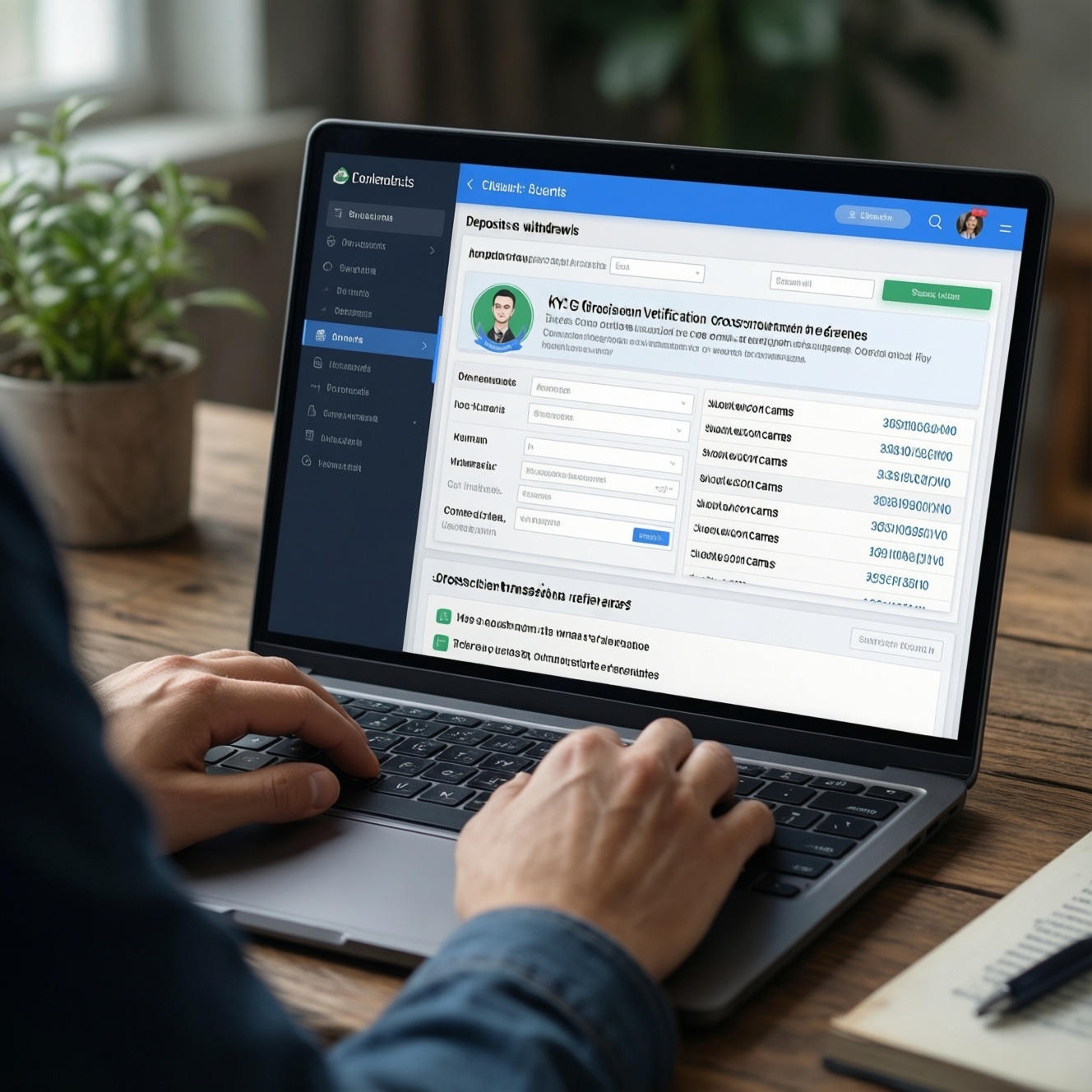
To safely move funds in and out of a platform, pick the right deposit and withdrawal methods (card, e-wallet, bank transfer, or crypto), complete KYC early, match account names across providers, and verify every reference/TxID. This guide shows how to deposit and withdraw money with step-by-step flows, plus fast checks to confirm success and fix common failures.
Essential pre-transfer checklist
- Use the same legal name on the platform, your bank/e-wallet, and your card; mismatches often block withdrawals.
- Finish KYC (ID + selfie/liveness if required) before the first withdrawal; upload clear, unedited images.
- Enable 2FA on the platform and on your email; avoid public Wi‑Fi for any transfer.
- Confirm your base currency and payout currency (e.g., THB) and understand where FX conversion may occur.
- Keep evidence ready: timestamps, amounts, reference numbers, screenshots, and wallet addresses/TxIDs.
Preparing accounts, KYC and funding prerequisites
Best fit: users who can verify identity, control their payment accounts, and can keep deposits and withdrawals within compliant, traceable rails.
Do not proceed if any of the following applies (resolve first): you cannot access the registered email/phone, you are using someone else's card/bank account, you cannot pass KYC, or you are unsure which network/chain your crypto wallet uses.
- Standardize identity details: ensure your full name, date of birth, and address match across the platform and your funding method.
- Complete KYC early: submit ID and any requested proof of address; wait for approval before attempting large withdrawals.
- Secure access: turn on 2FA, set a unique password, and confirm account recovery options.
- Define a transfer log: record date/time, amount, method, reference/ARN (cards), bank UTR/reference (transfers), or TxID (crypto).
Card transactions: deposit and withdrawal step-by-step
For credit card deposit and withdrawal, you typically need a card that supports online transactions, 3‑D Secure/OTP, and (for withdrawals) eligibility on the platform side. Some platforms allow card deposits but require withdrawals to go back to the card first (up to the deposited amount), then use another method for profits.
What you need before you start
- Card enabled for online payments and international/merchant transactions as applicable.
- Phone access for OTP/3‑D Secure and bank app notifications.
- Billing details that match the card issuer record.
- Platform security: 2FA enabled, verified email, verified phone.
Card deposit (prep → execute → verify → troubleshoot)
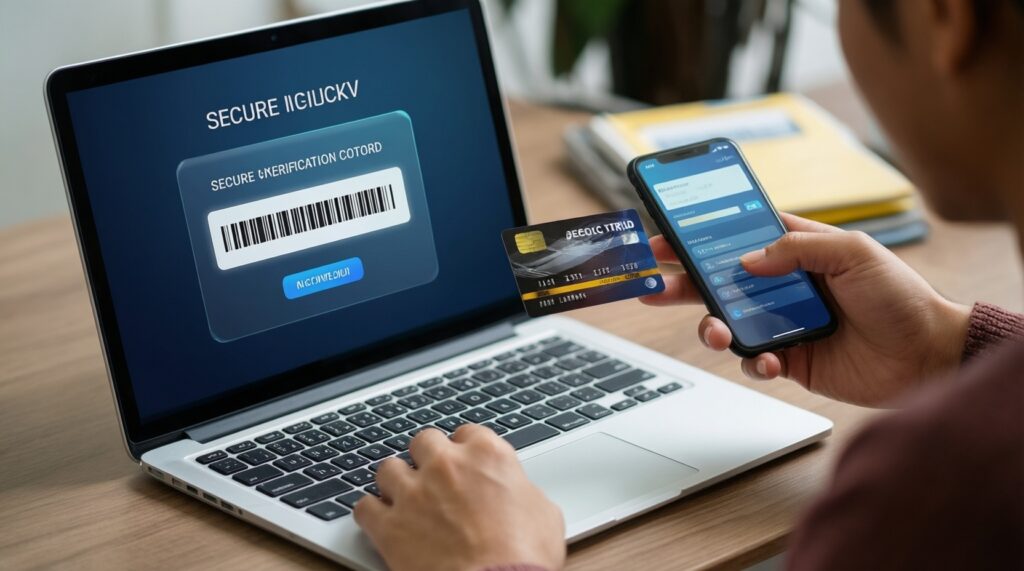
- Prep: confirm available balance/limit and that the platform currency matches your expectation (FX may apply).
- Execute: enter card details, complete 3‑D Secure/OTP, and do not refresh the page during authorization.
- Verify: check platform balance and card statement authorization; save the order/transaction reference.
- Troubleshoot:
- "Declined" or "Do not honor": contact card issuer to allow the merchant category/online use.
- OTP not received: switch to bank app authorization; confirm roaming/SMS settings.
- Charged but balance not updated: wait for pending capture; then provide timestamp, amount, and card last-4 to support.
Card withdrawal (prep → execute → verify → troubleshoot)
- Prep: confirm the platform supports card payouts for your region and that your name matches the cardholder name.
- Execute: request withdrawal to the same card used for deposit (when required); avoid splitting into many small requests.
- Verify: track status on the platform; once processed, monitor your statement for posting (often appears after "processed").
- Troubleshoot:
- "Not eligible" for card payout: use an alternative withdrawal rail (e-wallet or bank) that matches your verified identity.
- Reversed/failed payout: confirm card is active and not replaced since deposit; update method if card was reissued.
- Need evidence: provide withdrawal ID, processed date/time, amount, and any bank message/statement entry.
E‑wallet workflows: linking, transfers and reconciliation
E-wallets are often the most operationally predictable for frequent transfers. Use a wallet registered to your name, keep the wallet account verified, and avoid third-party top-ups that complicate compliance checks.
Preparation mini-checklist (before linking)
- Wallet account is fully verified (KYC completed) and uses the same legal name as the platform.
- 2FA is enabled on the wallet; recovery email/phone are up to date.
- You can access wallet transaction history/export (for reconciliation and disputes).
- You know whether the wallet will receive funds in THB or a foreign currency (and where conversion happens).
-
Link the wallet to the platform
Add the wallet under payout/funding methods, then complete any confirmation (OTP, small verification transfer, or in-app approval).
- Use the same email/phone identifier that the wallet uses as primary.
- Do not link a business wallet to a personal platform profile (or vice versa).
-
Run a small controlled deposit
Initiate a small top-up to confirm routing, currency, and reference formatting before moving larger amounts.
- Save the wallet transaction ID and the platform deposit reference.
-
Request a withdrawal to the same wallet
Follow any "deposit-first" rule: some platforms require at least one successful deposit via the wallet before allowing wallet withdrawals.
- Withdraw to a wallet owned by you; third-party payouts are commonly rejected.
-
Reconcile both ledgers
Match platform status (submitted/processing/paid) with wallet status (pending/completed) using the IDs and timestamps.
- If amounts differ, check whether fees or FX conversion were applied at the platform, wallet, or intermediary level.
-
Escalate with a complete evidence pack
If the platform shows "paid" but the wallet does not, open a ticket with all identifiers to reduce back-and-forth.
- Include: platform withdrawal ID, wallet account identifier, wallet transaction history screenshot/export, timestamps, and amount.
Bank transfers: instructions, timing and common failure modes
For bank transfer deposit and withdrawal in Thailand, ensure the beneficiary details and reference text are exact. Bank rails are strict about name matching and may pause or reject transfers that look inconsistent with your verified profile.
Bank transfer deposit (prep → execute → verify → troubleshoot)
- Prep: confirm the platform's beneficiary bank name, account number/IBAN (if applicable), and required reference code.
- Execute: send from a bank account in your name; copy-paste the reference code exactly (no extra spaces).
- Verify: keep the bank receipt/screen with transaction reference and check the platform's deposit status.
- Troubleshoot:
- Missing/incorrect reference: contact support with your transfer reference and proof; expect manual allocation steps.
- Name mismatch: update KYC/profile or use a bank account that matches your verified name.
- Intermediary/FX issues: confirm the sending currency and whether the beneficiary requires a specific currency.
Outcome verification checklist (use for both deposits and withdrawals)
- Platform status matches the bank record (pending vs completed) for the same date/time window.
- Amount sent equals amount received; if not, identify whether fees/FX were applied and where.
- Beneficiary details match the platform instructions (bank name, account number, beneficiary name).
- Reference/message field matches required format exactly.
- Your bank receipt includes a unique transfer reference/transaction ID.
- Withdrawal destination account is under your name and is active (not closed/frozen).
- No duplicate transfers were submitted (common when users retry during a pending state).
- Support evidence pack is ready: receipt, platform transaction ID, timestamps, and your verified account details.
Cryptocurrency transfers: wallet setup, network selection and confirmations
Crypto deposit and withdrawal is irreversible, so treat address and network selection as the primary risk controls. Use a self-custody wallet only if you can manage keys safely; otherwise, use a reputable custodial wallet with clear deposit address management.
Safe flow (prep → execute → verify → troubleshoot)
- Prep: choose the asset (e.g., USDT) and confirm the supported networks (e.g., ERC-20 vs TRC-20 vs BEP-20) on both sides.
- Execute: copy the address, verify first/last characters, and send a small test transfer; only then send the intended amount.
- Verify: track confirmations with the TxID in a block explorer and compare to the platform's required confirmation threshold.
- Troubleshoot: if stuck, check mempool/fees, network congestion, and whether the platform credits only after required confirmations.
Frequent mistakes that cause loss or long delays
- Sending on the wrong network (asset matches, chain does not).
- Copying an address from a different asset wallet (e.g., sending BTC to a USDT address).
- Forgetting destination tag/memo (common on some networks/exchanges).
- Using a smart-contract address when a personal wallet address is required (or vice versa).
- Underpaying network fees so the transaction remains pending for a long time.
- Assuming "sent" equals "credited" without waiting for confirmations.
- Reusing old deposit addresses when the platform rotates addresses per deposit.
- Withdrawing to an exchange deposit address that later changes or requires a memo you did not provide.
Comparative table of fees, limits, speeds and compliance notes
If you are choosing among deposit and withdrawal methods, use the table below as an operational decision tool. Exact fees, limits, and processing times are provider-specific, so confirm inside your platform and payment provider before committing.
| Method | Typical speed (operational) | Fees & FX cost drivers (where they usually appear) | Limits (how they are usually enforced) | Chargebacks / reversibility | Compliance & naming rules |
|---|---|---|---|---|---|
| Card | Deposits often near-instant; withdrawals depend on issuer posting cycles | Issuer fees, FX conversion, platform processing fees | Card limits, issuer risk checks, platform tier/verification level | Higher chargeback risk; disputes possible via issuer | Cardholder name should match verified profile; some platforms require withdrawing back to the same card first |
| E-wallet | Usually fast for both directions once linked | Wallet fees, FX spreads, sometimes platform fees | Wallet KYC tier limits; platform withdrawal limits | Lower chargeback exposure than cards (varies by wallet) | Wallet must be in your name; wallet account verification often required before withdrawals |
| Bank transfer | From same-bank/instant rails to slower interbank processing | Bank fees, intermediary fees (international), FX costs when currencies differ | Bank transfer limits, AML/risk holds, platform verification level | Generally hard to reverse after completion | Strict beneficiary/reference requirements; best for larger, traceable transfers |
| Crypto | Depends on network congestion and required confirmations | Network fees, exchange spreads if converting, platform crypto fees | Platform risk limits; wallet/exchange limits; on-chain minimums | Irreversible once confirmed | Network must match; address/memo accuracy is critical; best for users comfortable with self-custody operations |
When each alternative is the most appropriate
- Use cards when you need fast funding and you can pass 3‑D Secure reliably; avoid for complex withdrawal scenarios.
- Use e-wallets when you want smooth repeat deposits/withdrawals and clearer reconciliation.
- Use bank transfers when you need high traceability and clean audit trails (keep reference fields exact).
- Use crypto when both sides support the same network and you can verify addresses and confirmations safely.
Quick operational clarifications
Why does a platform allow card deposits but not card withdrawals?
Some providers restrict card payouts by region, issuer, or risk policy. In those cases you may need to withdraw via an e-wallet or bank account that matches your verified identity.
Can I deposit from one method and withdraw to another?
Often yes, but many platforms enforce a "return to source" rule up to the deposited amount. After that, additional withdrawals may be routed to a verified e-wallet or bank account in your name.
What is the safest way to test a new payment rail?
Do a small test transaction, then reconcile IDs and timestamps on both sides before scaling up. This reduces losses from wrong details, FX surprises, or unsupported routes.
What should I send support when a transfer is missing?
Provide the platform transaction ID, date/time, amount, method-specific reference (bank reference/ARN/TxID), and proof from your bank/wallet statement. Clear evidence shortens manual tracing.
How do I avoid crypto losses from wrong networks?
Confirm the asset and network on both sides and send a small test transfer first. If a memo/tag is required, include it exactly or the crediting may fail.
What triggers extra compliance checks in Thailand (TH)?
Name mismatches, third-party payments, unusual patterns, and unclear fund sources commonly trigger review. Keep transfers aligned with your verified profile and maintain a clean transaction log.