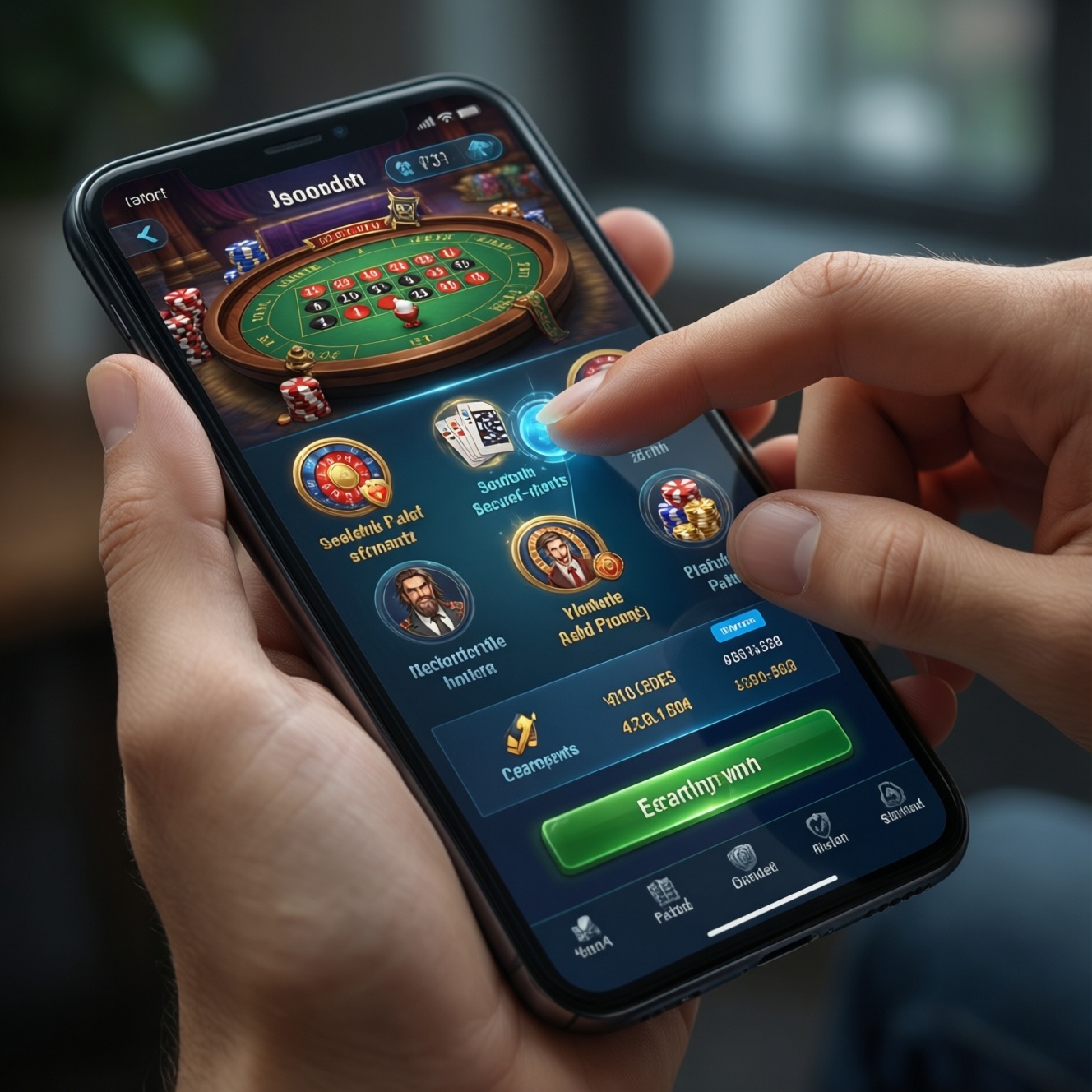
For the best phone gameplay experience, mobile casinos must deliver fast, stable performance, safe payments, touch-optimized games, clear navigation, resilient connectivity handling, and transparent compliance tools. These features matter whether you use the best mobile casino apps or a browser-based site, and they directly affect deposit friction, session stability, and withdrawal reliability in a real money mobile casino.
Essential Mobile Casino Features at a Glance
- Speed that feels instant: quick load, responsive taps, and minimal lag across devices and browsers.
- Payments you can trust: secure deposit flows plus predictable, trackable withdrawals.
- Games built for thumbs: touch-friendly controls, readable UI, and stable orientation behavior.
- Navigation that reduces misclicks: clear lobby structure, search/filter, and error-proof forms.
- Connectivity resilience: clean reconnection, session recovery, and sensible data usage.
- Compliance and control: visible licensing cues, fairness signals, and responsible-play tools.
Responsive App and Browser Performance
Mobile performance is the combined responsiveness of the casino interface and embedded game clients on real devices, under real network conditions. It covers load behavior (initial and in-session), interaction latency (tap-to-action), and stability (crashes, freezes, stuck overlays) whether you installed an app or play in a mobile browser.
In practice, you are choosing between implementation approaches that trade convenience for risk control:
- Native app: usually best for smooth animations and device integration, but higher maintenance overhead and store-review risk when publishing updates.
- Mobile web (responsive site): fastest to roll out and update, but more sensitive to browser quirks and memory limits on older devices.
- Hybrid/webview app: fastest "app-like" deployment, but the riskiest for edge-case performance (webview bugs, keyboard/layout issues, flaky deep links).
Practical benchmarks you can run yourself: use Chrome DevTools Lighthouse (mobile profile) and a real mid-range phone to spot heavy scripts, layout shifts, and input delays. When evaluating "best online casinos for mobile," test the same actions (login, search, open a slot, place a bet, cashier open/close) three times to see if performance is consistent rather than "first-load lucky."
| Approach | Ease to launch & iterate | Typical player-facing risks | When it fits best |
|---|---|---|---|
| Responsive mobile website | High (instant updates, no store gate) | Browser fragmentation, memory limits, more frequent session drops on tab switches | Fast expansion, broad device coverage, minimal "online casino app download" friction |
| Native iOS/Android app | Medium (build/release cycle, store policies) | Update delays, store rejection, device-specific crash clusters | Premium UX goals, deeper device integration, smoother long sessions |
| Hybrid/webview app | High (web-like updates, app wrapper) | Webview rendering bugs, keyboard/layout glitches, inconsistent performance under load | Quick "app presence" when web stack already strong |
- Check that key actions (login, cashier, game launch) stay responsive after switching apps and returning.
- Verify stable rendering in at least two mobile browsers (Chrome + Safari) if you play via web.
- Prefer platforms that publish frequent updates without breaking UI (look for consistent release notes, not one-off "big fixes").
Secure Payment Methods and Fast Withdrawals
On mobile, payment quality is not only "what methods exist," but how safely and predictably the flow behaves on small screens: verification steps, redirect handling, confirmations, receipts, and withdrawal status tracking. The biggest risk is not a single failure-it's repeated friction that causes misentries, abandoned cashouts, or support loops.
How it works end-to-end (and where convenience vs risk usually shifts):
- Cashier entry: the UI should clearly separate deposits and withdrawals, with consistent currency display and fee visibility before confirmation.
- Method selection: methods should indicate processing type (instant vs review-based) without hiding requirements behind pop-ups.
- Verification gating: ID/KYC prompts should appear early (before a large withdrawal attempt), otherwise you risk "surprise holds."
- Redirect/3DS handling: external bank/processor steps must return you to the correct in-app state; failures should not double-charge or leave the transaction "pending forever."
- Withdrawal queue transparency: a status timeline (submitted → in review → approved → sent) reduces support dependency.
- Receipts and logs: downloadable or copyable transaction IDs matter on mobile where screenshots are common evidence.
Tool suggestion: use your phone's built-in screen recording (iOS/Android) during a small test transaction to confirm redirect returns correctly and the receipt is captured. This is especially important when comparing real money mobile casino options that advertise aggressive mobile casino bonuses, because bonus conditions often trigger extra cashier rules.
- Confirm withdrawal status is trackable inside the account area (not only via email/chat).
- Look for early, clear KYC prompts and a dedicated "verification" page with progress.
- Test one small deposit and one small withdrawal path before committing to larger play.
Optimized Game Library and Touch Controls
A mobile-optimized game library is not just "many titles." It's a catalog that launches reliably on phones, adapts to portrait/landscape, and supports precise touch input without mis-taps. The main risk is hidden incompatibility: a game opens but becomes frustrating due to tiny controls, overlay conflicts, or unstable reconnection behavior.
Where this matters most (common scenarios):
- One-hand sessions: thumb reach should cover key buttons (spin, bet, confirm) without accidental taps on "max bet" or navigation.
- Portrait-first play: games that force landscape can feel smoother visually but often increase "drop" risk when users rotate or lock orientation.
- Fast re-entry: returning to the lobby and reopening the same game should not require repeated logins or repeated consent prompts.
- Live casino streams: video must keep controls accessible and readable, even when network fluctuates.
- Bonus flows inside games: free spins and missions should be visible without covering core controls (a frequent pain point in "best mobile casino apps").
Tool suggestion: enable Display size / Font size adjustments in Android Settings or iOS Display & Brightness to see whether game UIs break under larger text-this quickly exposes weak touch and layout engineering.
- Verify buttons are well-spaced and critical actions require a clear confirmation step.
- Test both portrait and landscape behavior (including orientation lock).
- Confirm "resume session" works after a brief app switch (messages, calls) without losing state.
Intuitive UI, Navigation and Accessibility
Mobile UI quality is measurable by how few steps it takes to complete core tasks without errors: find a game, understand a bonus, change limits, contact support, and manage payments. Convenience can backfire when UI hides key info (wagering, game restrictions, verification status), increasing player risk and disputes.
- Clear information architecture: separate tabs/sections for Lobby, Promotions, Cashier, Support, Account; avoid mixing "Deposit" CTAs into gameplay screens.
- Search and filters: provider/category filters and a "recently played" area reduce scrolling and mis-taps.
- Error-proof forms: numeric keyboards for amounts, visible currency, inline validation, and safe defaults that prevent accidental high stakes.
- Text and contrast support: scalable text, readable contrast, and non-color-only status signals (pending/approved/rejected).
- Assistive compatibility: basic support for screen readers and logical focus order; modals must be dismissible without "hunting" for a tiny X.
- Language clarity: terms for wagering, game contributions, and excluded games should be readable on small screens-especially when comparing "best online casinos for mobile."
Tool suggestion: on iOS use Accessibility > Display & Text Size; on Android use Accessibility > Text and display to stress-test legibility and tap targets quickly.
- Count steps to: find a specific slot, open cashier, and check bonus terms; fewer steps usually means fewer errors.
- Ensure all critical dialogs are readable and dismissible without precision tapping.
- Verify you can reach support from the cashier and from a game screen within two navigation actions.
Reliable Connectivity, Data Use and Offline Resilience
Mobile reliability is how well the casino and games behave under unstable networks, backgrounding, and device power-saving. The common myth is "a good app never disconnects"; the real standard is graceful recovery: clear messaging, reconnection logic, and safe bet-state handling.
- Myth: "If it's one of the best mobile casino apps, Wi‑Fi vs 4G/5G doesn't matter." Reality: latency spikes and captive portals can break sessions; good products detect and guide recovery.
- Mistake: assuming a frozen screen means the bet did not register; this can create double actions when users tap repeatedly.
- Myth: "Offline mode should let you keep playing." Reality: real money play can't be offline; resilience means pausing safely and restoring state after reconnect.
- Mistake: aggressive battery/data savers that kill background activity; apps must handle "resume" without looping logins.
- Myth: "Browser is always less stable than app." Reality: modern mobile web can be very stable; the biggest factor is session handling and lightweight pages.
Tool suggestion: use Airplane mode toggling for a few seconds during a demo/free-play session (or low-stakes testing) to see whether the app/site recovers cleanly and shows unambiguous status messages.
- Look for explicit reconnection messaging and a clear "retry" path (not endless spinners).
- Confirm the platform prevents repeated taps from triggering duplicate actions after lag.
- Test behavior after backgrounding for 30-60 seconds (messages/calls), then returning to a game and to the cashier.
Compliance, Fairness and Responsible-Play Tools
Compliance features reduce risk by making rules and controls visible on mobile: licensing cues, identity checks, fairness signals, and responsible-play limits. The convenience trade-off is real-more prompts and verification steps can slow onboarding-but the risk reduction is clearer dispute resolution and safer play patterns.
Mini-case: a player claims a bonus was removed after switching devices. A well-designed mobile casino prevents this with a consistent "promo eligibility" check before allowing entry to a bonus-restricted game.
// Pseudo-logic executed on mobile before launching a promo-linked game
if (user.isVerified != true) blockLaunch("Verify account to use bonus-linked games");
if (bonus.isActive == true && game.isExcludedFromBonus == true) showNotice("This game does not count toward wagering");
if (user.depositLimitReached == true) disableCashier("Deposit limit reached; adjust limits after cooling-off");
Tool suggestion: open the account section and confirm you can set deposit limits, session/time limits, and self-exclusion directly on mobile-these controls should not require desktop. This is also where you should validate terms before acting on mobile casino bonuses.
- Ensure responsible-play settings are available and editable from the phone (not "desktop only").
- Check bonus/game eligibility notices appear before you commit time or money.
- Prefer platforms where verification status is visible and actionable in one place.
Quick self-check before you commit money on mobile
- Run one "full loop" test: login → find game → play briefly → open cashier → check withdrawal page → contact support.
- Verify reconnection recovery by briefly switching apps and returning to the same game.
- Read bonus terms on the phone screen you'll actually use (not later on desktop).
- Confirm responsible-play controls exist and are easy to set before you chase higher stakes.
Practical Concerns Players Commonly Raise
Do I need an online casino app download to get the best experience?
No. Many best online casinos for mobile run well in a browser; the deciding factors are session stability, cashier reliability, and touch-friendly UI, not the existence of an app.
Are best mobile casino apps always safer than mobile websites?
Not automatically. Safety depends on licensing clarity, secure payment flows, and account controls; an app can still have weak verification or confusing withdrawal status.
How can I spot risky mobile casino bonuses on a phone screen?

Open the full terms and look for wagering requirements, excluded games, and withdrawal restrictions. If the terms are hard to read or fragmented across pop-ups, treat that as a usability and risk warning.
What is the quickest test for a real money mobile casino before depositing more?
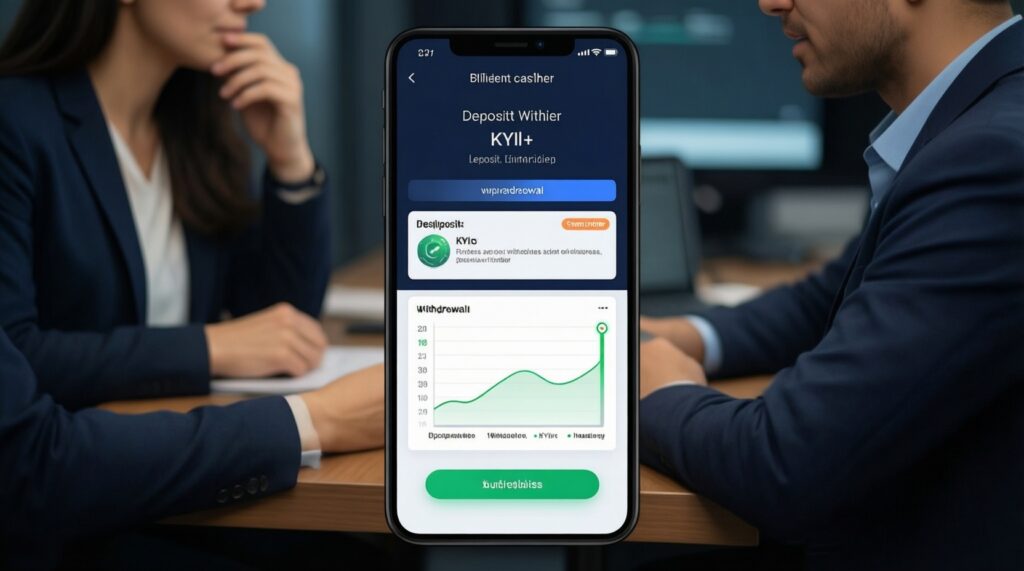
Do a small deposit and then navigate to the withdrawal page to confirm KYC prompts and status tracking are clear. Also verify you can reach support from the cashier without searching.
Why do games sometimes reload when I switch apps?
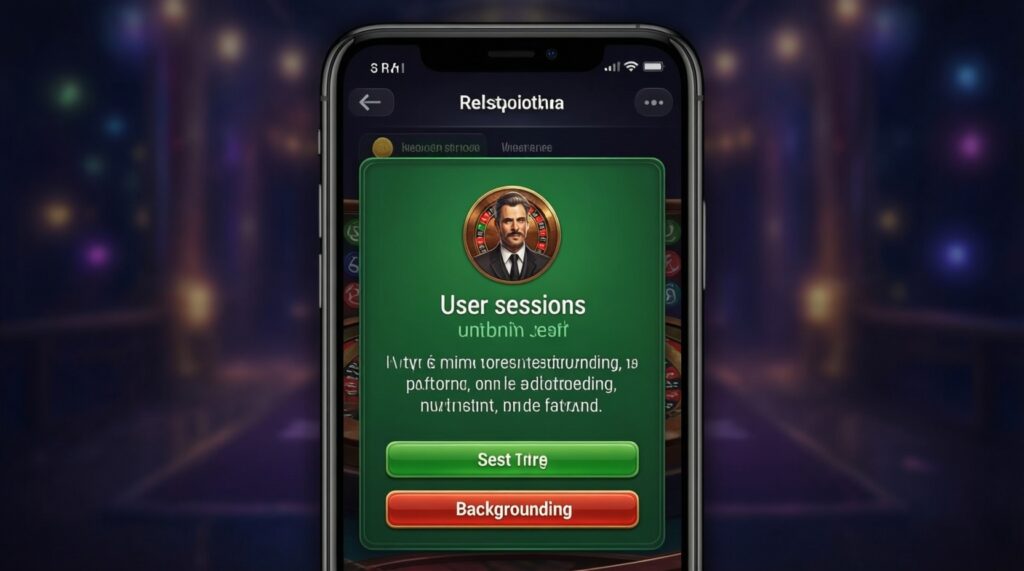
Phones may reclaim memory when you background an app or browser tab. A well-built casino restores your session and explains what happened instead of silently restarting.
Should I trust "instant withdrawals" claims on mobile?
Use the in-account withdrawal status and transaction IDs as the source of truth. If there is no status timeline or receipts, you have less visibility when something is delayed.