

Streaming quality and latency in live dealer games directly affect what you can see, when you can act, and how confidently you can verify outcomes. Higher resolution and stable frame rate improve card/hand readability, while lower end-to-end delay reduces rushed decisions and missed bet windows. Measure your delay, optimize your setup, and choose operators designed for low-latency delivery.
Impact Overview: Streaming Quality and Latency on Live Dealer Outcomes
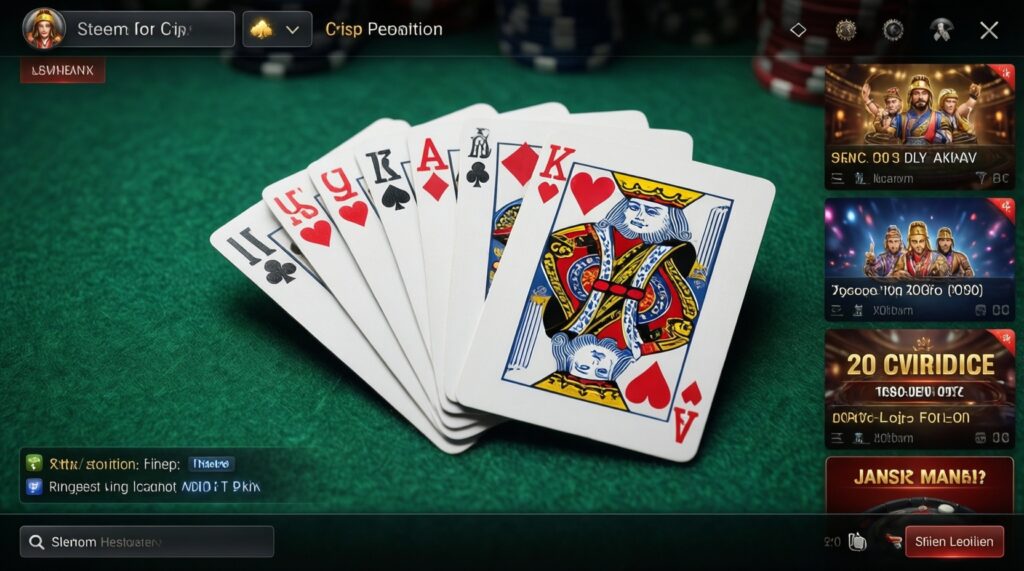
- Sharper streams (stable fps, readable overlays) reduce misreads of cards, totals, and side-bet prompts.
- Lower latency means fewer missed countdowns and fewer forced "last-second" clicks.
- Consistent bitrate prevents macroblocking that can hide small details (pips, suit icons, shoe info).
- Jitter (uneven delay) is often worse than a steady delay because timing becomes unpredictable.
- Good stream integrity makes it easier to self-audit: confirm the same game state across dealer callouts, overlays, and chat logs.
How Streaming Resolution and Frame Rate Influence Player Perception and Decisions
Best for: players who rely on fast visual confirmation (especially live blackjack casino online), use side bets, or switch between tables frequently.
When not to over-optimize: if your connection is unstable, forcing 1080p can increase buffering and make decisions harder. Prefer a stable 720p stream with consistent fps over higher resolution that stutters.
- Resolution: improves clarity of cards, chip stack labels, and table signage; too high can cause buffering on weak Wi‑Fi.
- Frame rate (fps): smooth motion helps you track dealing and prevents "teleporting" cards during drops/frames.
- Bitrate stability: keeps overlays readable; bitrate dips often show up as blocky artifacts at the worst moment.
Latency Sources: From Camera to Your Screen - Where Delays Happen
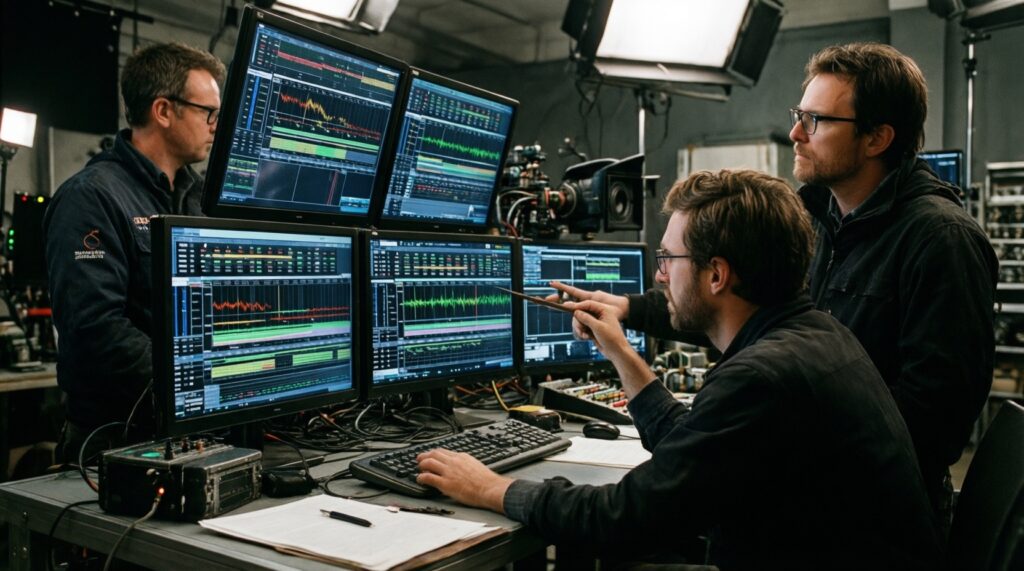
You can't control the studio's pipeline, but you can identify where delay likely enters and what you need to test it.
Common delay points to know
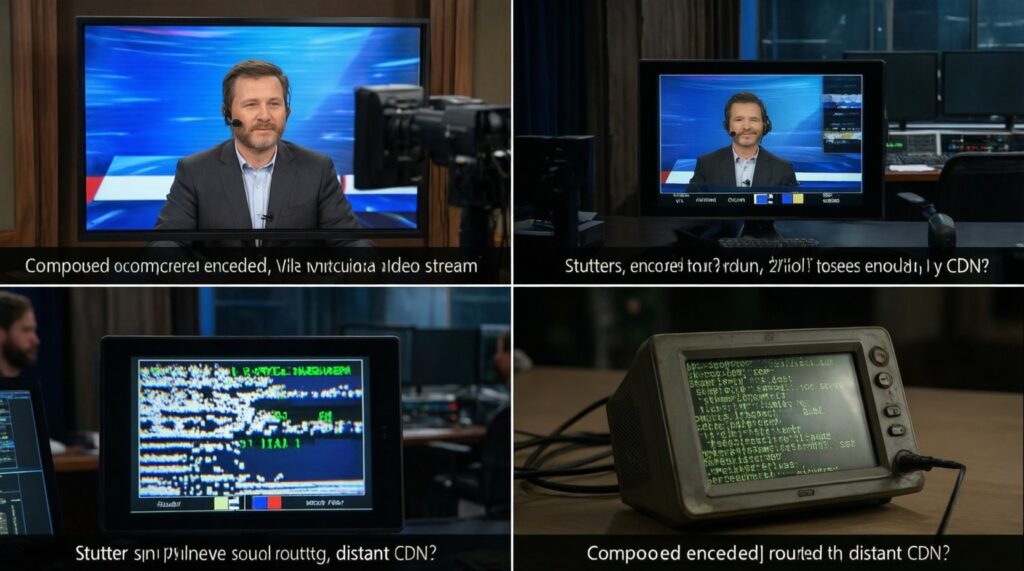
- Studio capture and encoding: camera capture, compositing (overlays), then encoding for delivery.
- CDN routing and regional distance: longer routes typically add delay and jitter, especially at peak hours in Thailand.
- Player device decoding: older phones/low-power laptops may decode slowly, adding extra seconds.
- Local network issues: congested Wi‑Fi, ISP shaping, or packet loss causes buffering and "rubber banding."
- Platform UI and countdown logic: even with a good stream, late UI updates can make the betting timer feel inconsistent.
What you'll need (safe, user-level)
- A stable internet connection (preferably wired Ethernet or strong 5 GHz Wi‑Fi).
- Access to the same table on two devices (e.g., phone + laptop) for comparison.
- A simple stopwatch timer (phone clock is enough) for quick latency estimates.
- Optional: ability to change quality settings (Auto/720p/1080p) in the casino player.
- Optional: a VPN you already trust (only for testing routing; avoid if it violates a site's terms).
Measuring Latency and Stream Integrity: Tools and Metrics for Players
Risks and limits to keep in mind before you test
- Testing can cost money: do measurements in demo/free mode when possible, or use minimum bets.
- Do not chase losses: poor streams increase mistakes; pause play rather than "making it back."
- VPNs can worsen delay: only use them to compare routes and turn them off if performance drops.
- One session isn't proof: latency can change by time of day; repeat tests at least twice.
-
Baseline your viewing conditions (2 minutes)
Open one live table, set the stream to Auto, and note if it looks stable (no frequent quality drops). Write down device type, network (Wi‑Fi/Ethernet), and time of day for repeatability.
- If the casino offers 720p/1080p toggles, note which setting it actually stays on.
-
Estimate end-to-end delay with a two-device comparison
Open the same table on two devices on the same network. Watch for an obvious event (dealer hand clap, card reveal, roulette ball drop) and time the gap between devices using a stopwatch or by counting seconds.
- A steady gap suggests constant latency; a changing gap indicates jitter or buffering.
- If possible, repeat 3 times and use the most common result.
-
Check betting-window reliability under normal play
Without increasing stakes, observe 10 consecutive rounds and record whether your clicks register immediately and whether the countdown feels consistent. The key metric is "missed/late bets" due to UI lag or stream stalls.
- If you get "bet rejected/closed" despite clicking early, treat this as a timing risk.
-
Stress-test quality settings to find a stable profile
Switch between Auto, 720p, and 1080p (if available). Your goal is the highest setting that does not buffer and does not cause frequent downshifts.
- If 1080p causes pauses, lock to 720p and re-check readability of cards and overlays.
-
Validate stream integrity cues (readability and continuity)
Verify that video, overlays, and dealer callouts stay consistent: card values match the on-screen total, shoe/round indicators progress normally, and there are no "rewind-like" jumps after buffering.
- If you notice repeated frames or sudden jumps, stop play and rejoin the table before continuing.
-
Compare operators using the same test routine
Repeat steps 1-5 on 2-3 candidates you consider among the top live dealer casino sites. Use the same device and network to avoid confusing your setup with the operator's performance.
- Do not let a live dealer casino bonus outweigh persistent stream instability; bonuses don't reduce misclick risk.
Practical Adjustments: Optimize Your Setup to Reduce Lag and Improve Readability
- Prefer Ethernet; if on Wi‑Fi, use 5 GHz and stay close to the router.
- Close background downloads, cloud backups, and streaming apps before playing.
- Disable "Auto" quality if it keeps switching; lock to the most stable setting (often 720p).
- Restart the router if you see persistent jitter across multiple apps, not just the casino.
- Use a modern browser/app version; outdated decoders can add delay.
- Avoid Bluetooth audio during timing-sensitive play if it adds noticeable lag; use device speakers or wired audio.
- On mobile, switch from power-saving mode to normal performance mode during play.
- If a VPN increases buffering, turn it off; only keep it if it measurably improves stability.
- Rejoin the table after a major stall; don't keep betting through repeated freezes.
Risk Management: Adapting Strategy When Facing Poor Stream Conditions
- Increasing bet size to "compensate" for missed rounds: latency doesn't average out in your favor; it amplifies mistakes.
- Relying on last-second betting: jitter makes countdowns unreliable; place bets earlier or skip the round.
- Stacking complex side bets on a laggy UI: more clicks increases the chance of mis-entry or partial placement.
- Assuming buffering equals unfairness: most issues are delivery-related; treat it as an operational risk and pause play rather than accuse or tilt.
- Ignoring "small" visual artifacts: macroblocking can hide pips/suits; if you can't read cards instantly, reduce quality or leave.
- Chasing table changes too fast: hopping tables repeatedly can trigger new buffering cycles; stabilize first.
- Playing tired on mobile networks: attention + variable latency is a common path to accidental bets, especially in live casino online real money sessions.
- Letting promotions drive table choice: a flashy offer doesn't help if you can't confirm outcomes clearly.
Operator Evaluation: What to Look For When Choosing a Low-Latency Live Casino
If you're comparing best live dealer casinos for Thailand, evaluate them like a performance-sensitive app, not just a game lobby.
-
Choose "stability-first" operators for timing-critical games
For blackjack and other fast windows, prioritize operators where 720p stays stable, the UI responds immediately, and rejoining after a stall is quick.
-
Pick regional-friendly routing (tested, not promised)
Use your own latency test routine at the hours you actually play; the operator that feels best at 2 PM may lag at 10 PM.
-
Prefer simpler interfaces when your device is mid-range
Some lobbies use heavy animations; if your phone heats up or drops frames, pick a lighter player to reduce local decoding delay.
-
When to switch game type instead of switching casinos
If the stream is marginal, move from fast-action tables (like live blackjack casino online) to slower formats where timing pressure is lower.
Common Practical Concerns About Stream Performance and Game Fairness
Does higher resolution (1080p) always improve results?
No. If 1080p causes buffering or frequent downshifts, a stable 720p stream usually produces fewer misreads and fewer rushed clicks.
What latency is "too high" for live dealer play?
Any delay that makes you miss betting windows or forces last-second clicks is too high for your playstyle. Focus on consistency (low jitter) and whether you can place bets early and reliably.
Is stream lag evidence that a table is unfair?
Lag is most often a delivery problem (network, decoding, routing), not a fairness indicator. Treat it as a risk signal: pause, rejoin, or switch tables if you can't verify the state clearly.
Will a VPN help reduce latency in Thailand?
Sometimes it helps routing, often it adds extra hops and increases delay. Test with and without; keep it only if it measurably improves stability and doesn't conflict with the site's rules.
How can I compare top live dealer casino sites without wasting money?
Run the same checklist on minimum stakes or demo mode: stability at 720p, UI responsiveness, frequency of stalls, and whether two-device delay stays steady.
Should I take a live dealer casino bonus if the stream is unstable?
Only if you can meet requirements without forcing play through lag. A live dealer casino bonus doesn't offset the cost of misclicks, missed rounds, or unreadable cards.
Why does live casino online real money feel more "stressful" than demo when the stream is poor?
With money on the line, timing uncertainty increases decision pressure and error rates. If the stream isn't readable and responsive, reduce stakes or stop until conditions improve.