

To handle deposits and withdrawals safely, pick the method that matches your identity level, settlement urgency, and refund needs, then follow a consistent verification routine: confirm account ownership, submit the correct reference details, and reconcile status in both the merchant and your provider app. This guide covers cards, e‑wallets, bank transfer deposit and withdrawal, and crypto with operational checks.
Operational snapshot: essential steps at a glance
- Confirm your profile/KYC status and make sure the payout method is in your own name.
- Choose the right rail for your goal (speed, reversibility, access): cards, e‑wallets, bank transfer, or crypto.
- Before funding, verify currency, network/rail, and any minimum/maximum rules shown in-app.
- After each transaction, save the receipt/transaction ID and reconcile it in both systems.
- If a transaction is pending or rejected, stop retrying blindly; diagnose the failure mode first (limits, name mismatch, wrong network, missing reference).
Card payments: step-by-step deposit and withdrawal flow
Best fit: fast deposits, familiar UX, and situations where you may need card-level dispute options. Avoid or reconsider: when the platform cannot withdraw to the same card, when your bank blocks merchant categories, or when you need truly instant deposit and withdrawal end-to-end.
Prep checklist (cards)
- Use a card in your legal name; ensure it supports online and (if applicable) international e-commerce.
- Enable 3‑D Secure/OTP and confirm your bank app can receive approvals.
- Check currency and billing address details match your bank profile.
- Know whether withdrawals go back to the same card or a different rail (some providers only refund back to card).
Deposit by card
- Open the cashier/billing page and select Card as the funding method.
- Enter amount and confirm currency; avoid converting twice (merchant + bank) unless you intend to.
- Add card details and complete 3‑D Secure approval in your bank app/OTP flow.
- Save the receipt page (transaction ID/auth code if shown) and verify the balance/ledger update.
Withdraw to card (when supported)
- Verify the card is eligible for payouts (often the same card used to deposit).
- Request the withdrawal and keep the confirmation ID.
- Reconcile in your bank statement; card payouts may appear as a refund/credit rather than a separate transfer.
- Troubleshooting: If deposits fail repeatedly, check bank declines (merchant category/online limits), 3‑D Secure timeouts, and address mismatch; do not retry more than once without changing something measurable.
E‑wallets: setup, funding, and cashout procedures
E‑wallets often streamline how to deposit and withdraw money because they separate your funding source (card/bank) from the merchant. They work best when your wallet account is verified and matches your platform profile.
Prep checklist (e‑wallets)
- Create/verify the wallet with your legal name; complete any identity verification required for cashouts.
- Link a funding source (bank account or card) and confirm it is active.
- Enable security controls (PIN/biometrics, device lock, and 2FA if available).
- Check wallet currency support and whether it can receive merchant payouts in your region (TH).
Setup and deposit
- In the merchant cashier, choose the e‑wallet as the deposit option and start the redirect/login flow.
- Approve the payment inside the wallet app/site; verify the merchant name and amount before confirming.
- Return to the merchant confirmation page and capture the wallet transaction reference.
Cashout to an e‑wallet
- Add the e‑wallet account identifier exactly as required (email/phone/wallet ID), then save it as a payout method.
- Request withdrawal and confirm the wallet-side receipt once funds arrive.
- If you need funds in a bank, initiate a wallet-to-bank transfer from inside the wallet (separate step).
- Troubleshooting: If a withdrawal is rejected, the most common cause is identity mismatch (name/KYC) or an unverified wallet that cannot accept incoming merchant payouts.
Bank transfers: wiring, ACH and SEPA practical guide
Prep checklist (bank transfers)
- Confirm the exact rail you are using (wire vs local transfer vs ACH vs SEPA) and the required fields for that rail.
- Ensure the beneficiary name matches your verified profile; avoid using third-party accounts.
- Collect bank details from the recipient screen: account number/IBAN, bank name, SWIFT/BIC (if applicable), and any required reference/memo.
- Check for cut-off times and whether your bank app supports adding references exactly as provided.
- Plan reconciliation: keep screenshots and store the transfer reference/UTR provided by your bank.
-
Select the correct bank transfer option and rail
In the cashier, choose bank transfer deposit and withdrawal and confirm whether the instructions are for wire, ACH, or SEPA. Using the wrong rail can route funds incorrectly or cause an automatic return.
-
Copy beneficiary details without reformatting
Copy the beneficiary name and account identifiers exactly as shown. If an IBAN is provided, don't convert it into a local account format unless the instructions explicitly say so.
- For international transfers, confirm SWIFT/BIC and beneficiary address requirements.
- For local transfers, confirm the bank code/branch code fields if present.
-
Enter the reference/memo exactly as instructed
If a unique reference is provided, treat it as required. Missing or altered references are a top reason for "unmatched" deposits that require manual allocation.
-
Authorize and save proof
Authorize in your bank app, then save the confirmation page and your bank's transaction reference (e.g., transfer ID/UTR). This is what support teams can trace end-to-end.
-
Reconcile status and escalate with the right identifiers
Check both sides: the merchant ledger and your bank statement. If it's pending beyond the stated processing window, open a ticket with the transfer reference and beneficiary details used.
- Troubleshooting: If a bank transfer is marked "completed" at your bank but missing at the recipient, verify the reference field and beneficiary name first; then provide your bank's transfer ID/UTR to support rather than resending funds.
Cryptocurrency: wallets, on‑ramps and off‑ramps explained
A crypto deposit and withdrawal is reliable when you control the destination wallet, choose the correct network, and verify confirmations on-chain. Prefer copying addresses/QR codes over typing, and keep funds in a compatible token/network pair (e.g., token on the right chain).
Prep checklist (crypto)
- Use a reputable wallet and secure the seed phrase offline; never share it with support.
- Confirm the exact asset and network (chain) accepted by the recipient.
- Have a small buffer for network fees so transfers don't fail due to insufficient gas.
- Know your on‑ramp/off‑ramp path (exchange to wallet to merchant, and back).
Result verification checklist (crypto)
- The asset symbol matches what the recipient accepts (not just a similar name).
- The network/chain matches (sending on the wrong chain can lead to loss or complex recovery).
- The destination address matches the recipient-provided address after pasting (compare first/last characters).
- If required, the memo/tag is included (common for some exchange deposits).
- You have the transaction hash (TXID) saved immediately after sending.
- The TXID shows on a reputable block explorer with the expected to-address and amount.
- Confirmations are increasing; if stuck, check fee level and network congestion indicators.
- The recipient platform's crypto page shows the deposit/withdrawal as pending/credited in line with its confirmation policy.
- Troubleshooting: If funds are "sent" but not credited, compare chain + address + memo/tag first, then provide the TXID; do not create a second transfer to "unstick" the first.
Fees, limits and settlement timings - comparative table
| Method | Typical settlement speed | Fees (who may charge) | Limits (what usually constrains you) | Best used for |
|---|---|---|---|---|
| Cards | Fast for deposits; withdrawals depend on card scheme/bank posting | Merchant processing fee may be embedded; bank FX/online fees may apply | Bank anti-fraud rules, online purchase caps, merchant category controls | Convenient deposits with strong bank authentication |
| E‑wallets | Fast once wallet is verified; cashout speed varies by wallet | Wallet may charge funding/cashout fees; FX spreads possible | Wallet verification tier, wallet regional rules, merchant payout eligibility | Streamlined transfers between services with an extra identity layer |
| Bank transfers (wire/ACH/SEPA) | From same-day to multiple banking cycles depending on rail and cut-offs | Bank outgoing fee, intermediary/correspondent fees, recipient bank fees possible | Bank compliance checks, required references, beneficiary name matching | Higher-value movements with strong audit trail |
| Crypto | Network-dependent; credits after required confirmations | Network fees; exchange on/off-ramp fees; spreads for conversion | Exchange limits, network compatibility, address/memo requirements | Transfers where banking rails are slow or unavailable |
Common fee/limit mistakes that create delays or losses
- Ignoring currency conversion layers (merchant conversion + bank/wallet FX) and getting an unexpected final amount.
- Trying "instant" processing on a method that has unavoidable posting cycles (especially some card refunds and bank transfers).
- Hitting limits by splitting into many small transactions, triggering fraud/risk flags instead of helping.
- Withdrawing to a method not previously used for deposits when the platform enforces "same method first" rules.
- Assuming fees are only on one side; banks, wallets, exchanges, and networks can all charge independently.
- Not reserving extra balance for crypto network fees, causing a send to fail or get stuck.
- Using a beneficiary name that differs from your verified profile (transliteration differences can matter).
- Repeating failed attempts without fixing the root cause, resulting in multiple holds or duplicate pending items.
Exceptions, disputes and recovery checklist
When a transaction doesn't follow the happy path, switch to the option that best matches the failure mode and the evidence you have.
Alternatives to use in specific situations
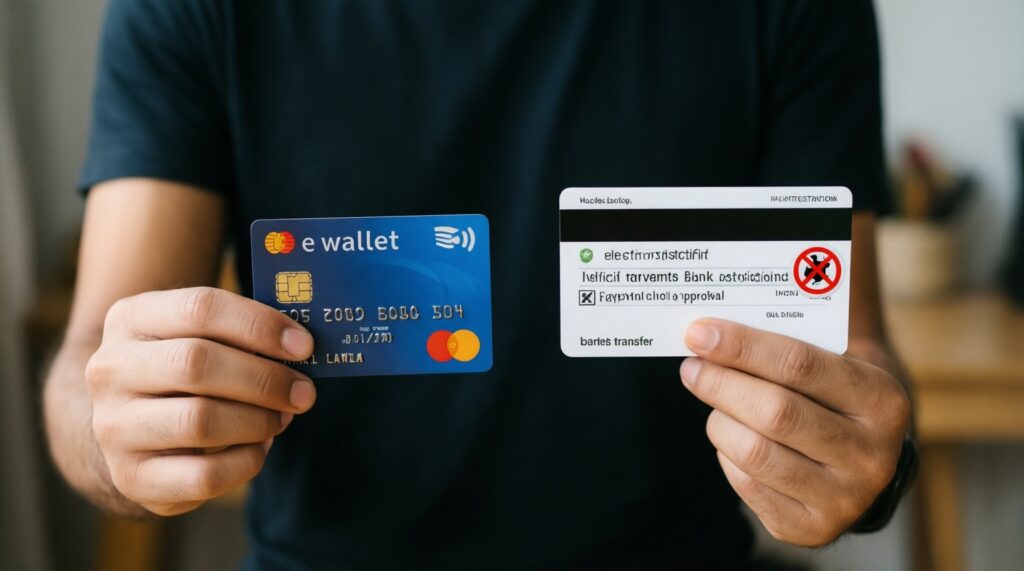
- Switch cards → e‑wallet when your bank blocks the merchant category or 3‑D Secure approvals keep timing out; e‑wallets often provide a different risk route while keeping card funding available.
- Switch e‑wallet → bank transfer when wallet payouts are restricted until additional verification is completed; bank transfers can provide a clearer beneficiary/audit trail.
- Switch bank transfer → crypto when cut-off times and correspondent routing create long delays and you can safely manage network selection and wallet security.
- Switch crypto → bank transfer when you need formal payment proofs for accounting or when an address/network mismatch risk is unacceptable.
Recovery checklist when something goes wrong
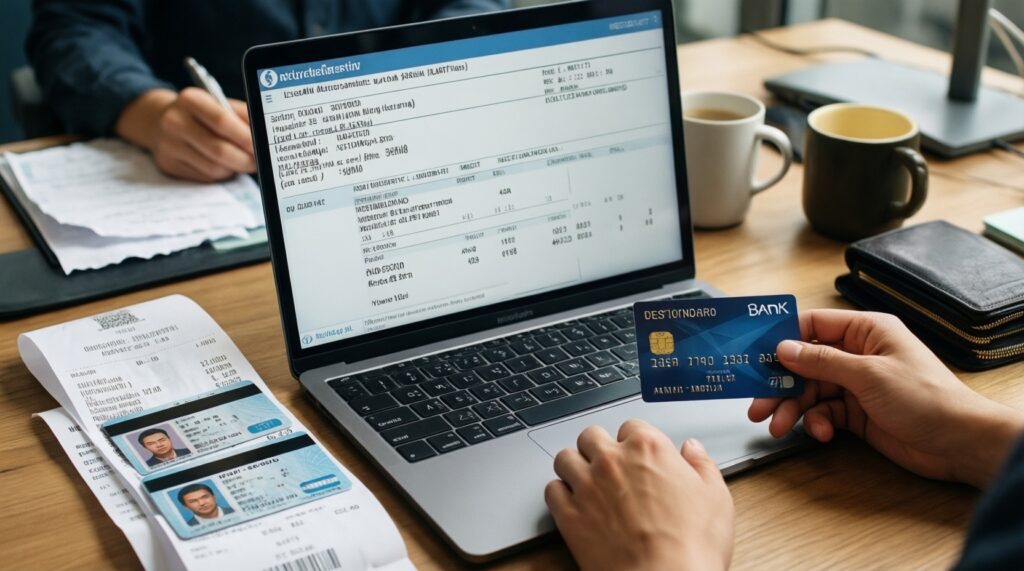
- Stop and collect evidence: receipt screenshot, transaction ID, timestamp, amount, currency, and method details used.
- Confirm the destination identifiers: card eligibility, wallet ID, bank account/IBAN and reference, or crypto address/network/memo.
- Check status in both systems (merchant + provider) before escalating.
- Contact support with the right trace key: bank transfer ID/UTR, wallet reference, or crypto TXID.
- If a reversal/chargeback/dispute is relevant, use the formal path once; parallel disputes can freeze accounts.
Common operational pitfalls and quick remedies
Why does my deposit show as completed, but my balance didn't update?
First reconcile identifiers: reference/memo (bank), wallet reference (e‑wallet), or TXID and confirmations (crypto). If the provider shows "completed," open a ticket with the trace ID rather than sending another payment.
Can I use different deposit and withdrawal methods?
Sometimes, but many platforms require withdrawing back to the same method until the deposited amount is matched. If you must change rails, verify eligibility in the cashier before initiating the withdrawal.
What's the safest way to do instant deposit and withdrawal?
Use a method where both deposit and payout are supported natively and your account is fully verified. Avoid "instant" claims that rely on bank posting cycles; always confirm the expected processing status shown for your specific method.
My bank transfer deposit and withdrawal was rejected-what should I check first?
Check beneficiary name match and the reference field formatting. Then confirm you used the correct rail (wire vs ACH vs SEPA) and provided all required bank codes.
What are the most reliable deposit and withdrawal methods for avoiding mismatches?
Methods with strong identifiers and consistent ownership checks are easiest to reconcile: verified e‑wallets and bank transfers with correct references. Cards are reliable for deposits, while withdrawals depend on scheme and platform policy.
What should I provide support for a stuck crypto deposit and withdrawal?
Provide the TXID, asset, network, destination address, and whether a memo/tag was used. Support can verify on-chain status, but they cannot recover funds sent on the wrong network without special conditions.
How do I avoid duplicate charges when retrying a failed payment?
Don't spam retries. Confirm whether the first attempt is pending/held at the bank/wallet, and only retry after the status is clearly failed and you have adjusted the cause (limits, 3‑D Secure, reference, or network).