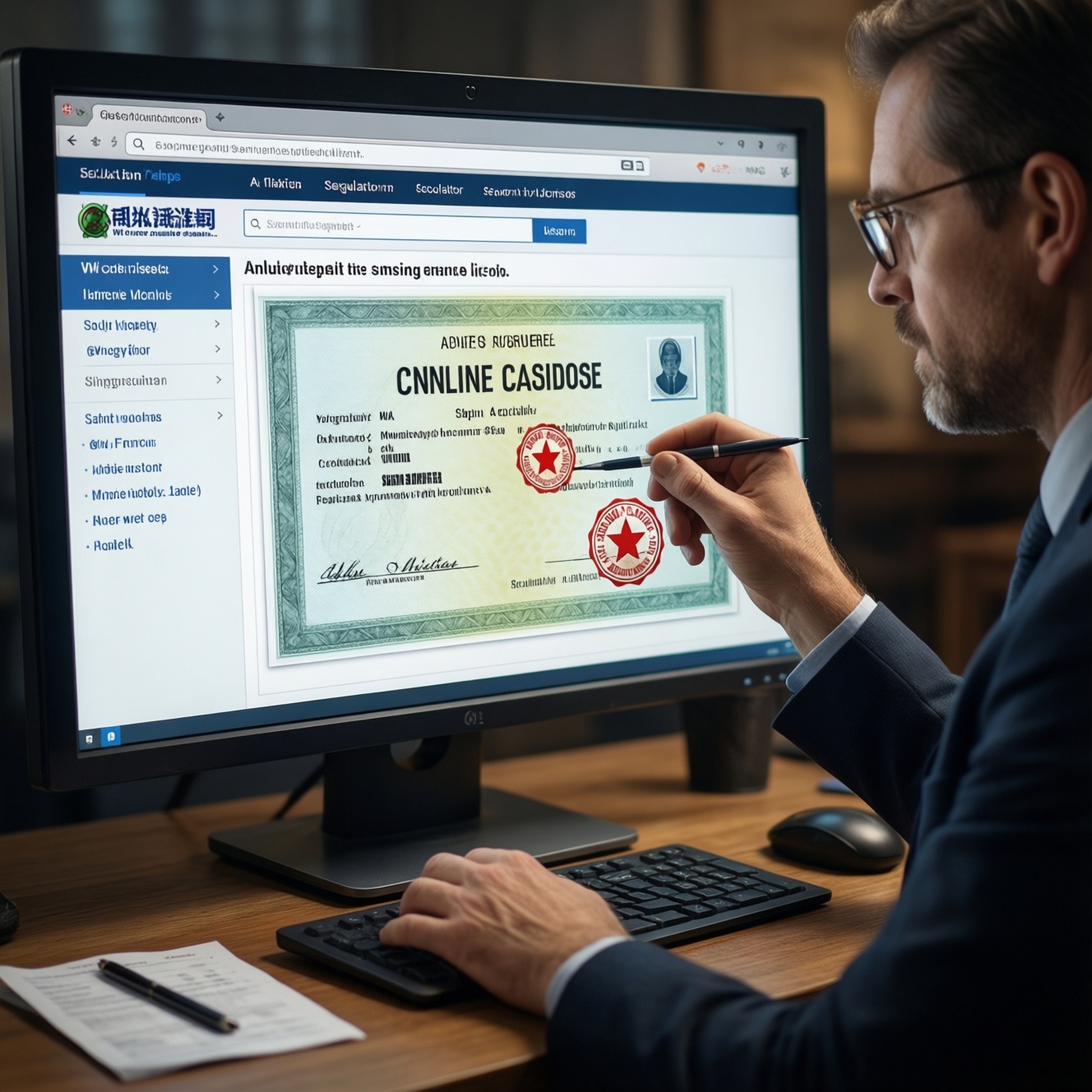
To verify a casino's legitimacy, confirm its licence number in the regulator's official register, then cross-check independent audit seals, RNG test certificates, and basic website security (TLS, policies, fraud controls). This online casino license verification routine helps you avoid cloned logos, expired licences, and "certificates" that don't match the casino domain.
Quick Verification Checklist for Casino Licensing and Security
- Find the licence number and jurisdiction in the footer, Terms, or "About" page-and confirm it in the regulator's register.
- Confirm the operator name in the register matches the casino brand or the legal entity shown in the site's Terms.
- Validate audit seals by clicking through to the auditor's own verification page (not a static image).
- Locate a current casino RNG certification report and ensure it lists your exact casino domain and game supplier(s).
- Check site transport security (HTTPS/TLS), privacy/data handling disclosures, and anti-fraud/AML controls.
- Save screenshots/URLs of proof pages before depositing (useful if you later dispute account actions).
How Licensing Authorities Differ: Malta, UKGC, Curacao, Gibraltar
These are common licensing jurisdictions you'll see when evaluating licensed online casinos. For players in Thailand, use them as a risk-screening tool, not as legal advice: cross-border access rules and enforcement can change, and the safest approach is always to verify the operator and protections before sending funds.
- Malta (MGA): Often associated with structured licensing pages and clearer operator disclosures; good when you want easy-to-verify documentation and formal complaint routes.
- UKGC: Typically emphasizes strong consumer protection signals; useful if the operator explicitly serves your location and you can confirm it in the official register.
- Curaçao: Frequently seen globally; verification quality varies by operator-be stricter about evidence (register entry, audit scope, current certificates).
- Gibraltar: Less commonly encountered than the above; treat it similarly: confirm the licence entry and ensure the operator/brand match.
When not to proceed: if you cannot find a licence number, cannot find the operator in the official register, or the casino targets users while refusing to clearly disclose who regulates it.
Reading a Casino's License: Finding Licence Numbers, Jurisdiction and Conditions
To how to check casino gambling license details safely and quickly, you'll need the ability to open a few pages and compare names and domains precisely.
- Access: The casino's footer, Terms & Conditions, Responsible Gambling, and Privacy Policy pages (desktop view helps).
- Tools: A browser with private/incognito mode, a note app for copying licence numbers, and the regulator's official register page.
- What to capture: licence/permit number, regulator name, legal entity (operator) name, registered address (if present), and the domain(s) covered.
- What to compare: brand name vs. legal entity; domain you are on vs. domain listed in the licence or certificate; licence status (active/suspended/expired).
- Common placement patterns: "Licensed and regulated by ..." in the footer; a "License" section inside Terms; a PDF licence file (treat with caution-PDFs are easy to copy).
- Red flag wording: "Operates under a licence" without a number, or a regulator name without any way to verify it publicly.
Third‑Party Audits and Security Standards: eCOGRA, iTech Labs, GLI and Audit Scope
-
Identify what is claimed (licence, audit, RNG, security)
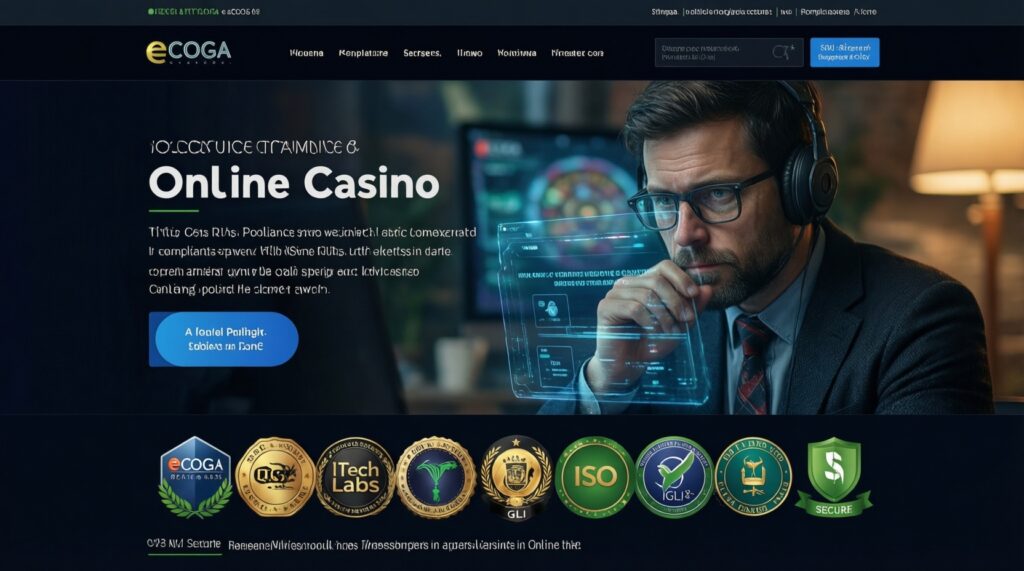
Start by listing the exact seals and claims shown on the casino: eCOGRA, iTech Labs, GLI, "ISO", "audited payouts", "certified RNG", or "secure". Treat everything as unverified until you validate it off-site.
- Copy the casino domain (e.g., example.com) exactly as shown in the address bar.
- Copy the licence number and the operator legal name from Terms.
-
Verify the licence in the official register (not on the casino site)
Use the regulator's own register/search page, paste the licence number or operator name, and confirm the entry matches the casino brand and your domain. This is the core of online casino license verification.
- Match: licence status, operator name, and any listed brands/domains.
- Stop if: no result, mismatched names, or the licence is inactive/unclear.
-
Validate audit seals via auditor-controlled pages
For online casino security audits, don't trust a logo image. Click the seal and confirm it leads to an auditor page that references the same operator and the same domain you are visiting.
- If the "seal" is not clickable, search the auditor's site for the operator/brand.
- If the auditor page is missing a date/version, treat it as weak evidence.
-
Check the audit scope: what was tested, and for which systems
Audits can cover different things: RNG, specific game suppliers, payments, or general controls. Read the scope text and confirm it includes the casino products you actually plan to use (slots/live/poker/sportsbook).
- Look for: scope section, tested component list, and reporting period/version.
- Be cautious with: "platform certified" statements that never name suppliers or environments.
-
Cross-check consistency across pages (licence ↔ Terms ↔ certificates)
Compare the legal entity and address shown in the licence entry with the casino Terms and with any certificates. Consistency is a strong signal; inconsistency often indicates a clone, affiliate skin, or outdated documentation.
- Match: operator legal name spelling (including punctuation) and corporate suffixes.
- Match: the domain(s) covered-especially if the casino uses multiple mirrors.
-
Archive proof before depositing
Save URLs and screenshots of the regulator entry and auditor verification page. If an account dispute happens, having the "as-seen" evidence helps you explain what protections were represented at the time you joined.
Fast mode: 4-step verification when you need a quick decision
- Find licence number + operator name in the footer/Terms, then verify it in the regulator's register.
- Confirm the register entry matches your exact domain (not a different brand or old domain).
- Open the RNG/audit seal destination page and verify it is controlled by the auditor and is current.
- Check HTTPS/TLS and read the withdrawal/verification rules in Terms before depositing.
RNG Certification Explained: Test Methods, Report Elements and Red Flags
- Certificate/report names the exact domain (and/or the exact operator) you are using.
- It states what was tested: RNG for a specific game library, platform RNG, or a named supplier integration.
- It includes a date (issue date and/or test period) and a document/version identifier.
- It identifies the testing lab (eCOGRA, iTech Labs, GLI, or another recognized lab) and provides a way to validate the document.
- It explains the methodology at a high level (what the tests verify), not just a marketing statement.
- It lists the game supplier(s) or RNG component covered; "all games" without details is weak.
- It matches the legal entity name shown in the casino Terms/licence entry.
- Red flag: only a badge image, no report, no lab reference page, or a PDF that cannot be validated elsewhere.
- Red flag: certificate references a different brand, different domain, or a long-expired test period.
Verifying Site Security: SSL/TLS, Data Protection Policies and Anti‑Fraud Controls
- Mistake: assuming "HTTPS" alone means safe. Do: confirm the site uses HTTPS on login, cashier, and account pages, and that the domain is spelled correctly (watch for lookalikes).
- Mistake: skipping the Privacy Policy. Do: check it clearly states who controls your data (the operator legal entity) and how to contact them.
- Mistake: ignoring KYC/withdrawal rules until cashout. Do: read identity verification and withdrawal limits/conditions in Terms before depositing.
- Mistake: trusting "anti-fraud" claims without operational details. Do: look for clear statements on chargeback handling, duplicate account rules, and restricted jurisdictions.
- Mistake: reusing passwords or sharing devices. Do: use a unique password, enable 2FA if offered, and avoid logging in on public Wi‑Fi.
- Mistake: depositing before confirming support and dispute paths. Do: test support with a simple compliance question (e.g., "What legal entity holds my account?") and keep the response.
- Mistake: using unofficial apps/APKs. Do: install only from official stores or the operator's verified domain and check publisher details.
Fast‑Track Workflow: Step‑by‑Step Verification Process with a Comparison Table
Use this fast-track approach when you're deciding between multiple sites, when a casino is heavily promoted, or when you see conflicting claims. It complements (not replaces) a full how to check casino gambling license process.
- Shortlist candidates: pick 2-3 licensed online casinos and open each in separate tabs in private mode.
- Do licence verification first: confirm the licence number and operator in the regulator register; discard any mismatch.
- Confirm audits and RNG: validate seal destinations and obtain a current RNG report that matches your domain.
- Sanity-check security and rules: HTTPS on cashier/login, clear privacy/terms, and transparent KYC/withdrawals.
- Decide risk level: if evidence is partial or inconsistent, pick a different operator-don't "test with a small deposit" as your only control.
| What you're checking | Best evidence to look for | How to validate quickly | Common red flags |
|---|---|---|---|
| Licence (MGA/UKGC/Curaçao/Gibraltar) | Register entry with operator name + licence status + covered brand/domain (where provided) | Use the regulator's official search/register; match licence number and legal entity from Terms | No licence number; register entry missing; operator name doesn't match; "licensed" claim only in a banner |
| Audit seal (eCOGRA / iTech Labs / GLI) | Auditor-controlled verification page referencing the same operator and domain | Click the seal; if it's an image, search the auditor site for the operator/brand | Static logo; broken link; certificate not domain-specific; no date/scope |
| RNG testing / casino RNG certification | Report with methodology summary, test period, scope (games/supplier), and identifiers | Confirm domain + operator name in the report; ensure it covers the games you play | "Certified RNG" text only; mismatched domain; vague "all games" claim; outdated report |
| Transport security (TLS/HTTPS) | HTTPS across login/account/cashier and correct domain spelling | Check the address bar on sensitive pages; avoid redirects to new domains | Mixed content warnings; frequent domain changes; lookalike domains |
| Policies and anti-fraud controls | Clear Privacy Policy + Terms (KYC, withdrawals, restricted jurisdictions, dispute path) | Read the withdrawal/KYC section before deposit; test support for operator identity | Contradictory Terms; unclear operator; aggressive "bonus" terms without clarity |
Alternatives when full verification isn't practical
- Use a regulator-first filter: if you can't validate the licence in an official register in minutes, don't proceed.
- Prefer supplier-direct trust signals: if your games come from well-known studios, verify that the casino is listed/recognized by the studio or aggregator where possible.
- Limit exposure: if you still proceed, cap deposits and avoid storing payment methods; treat missing evidence as higher risk.
Clarifying Common Licensing and Certification Concerns
Is a licence logo in the footer enough proof?
No. A logo can be copied. You need the licence number and must confirm it in the regulator's official register as part of online casino license verification.
What if the licence is valid but the operator name differs from the casino brand?
That can be normal when a brand is operated by a parent company. It's only acceptable if the regulator register and the casino Terms show the same legal entity and the relationship is consistent.
How current should an RNG certificate be?
It should have a clear test period or issue date and a scope that still matches the current platform and suppliers. If it's undated or refers to a different domain, treat it as unreliable casino RNG certification.
Do eCOGRA, iTech Labs, and GLI mean the casino is "safe"?
They can be strong signals, but only if the seal links to an auditor-controlled verification page and the audit scope covers what you play. They don't replace checking licence status and reading withdrawal/KYC terms.
What's the quickest way to detect a cloned casino site?
Check the exact domain spelling, then compare the operator name and domain against the regulator register and auditor verification pages. Clones often reuse screenshots, seals, and certificates that don't match the active domain.
How do I interpret "independent testing" claims without a report?
Treat them as marketing until you see a verifiable report or auditor reference that names the operator and domain. "Trust us" language without evidence is a reason to avoid depositing.
If a casino blocks Thailand users sometimes, does that affect verification?
It can. Restricted access, mirror domains, or changing URLs make it harder to match licences and certificates to the domain you're using; only proceed if the exact active domain is covered by the operator's disclosed licensing and audit evidence.