
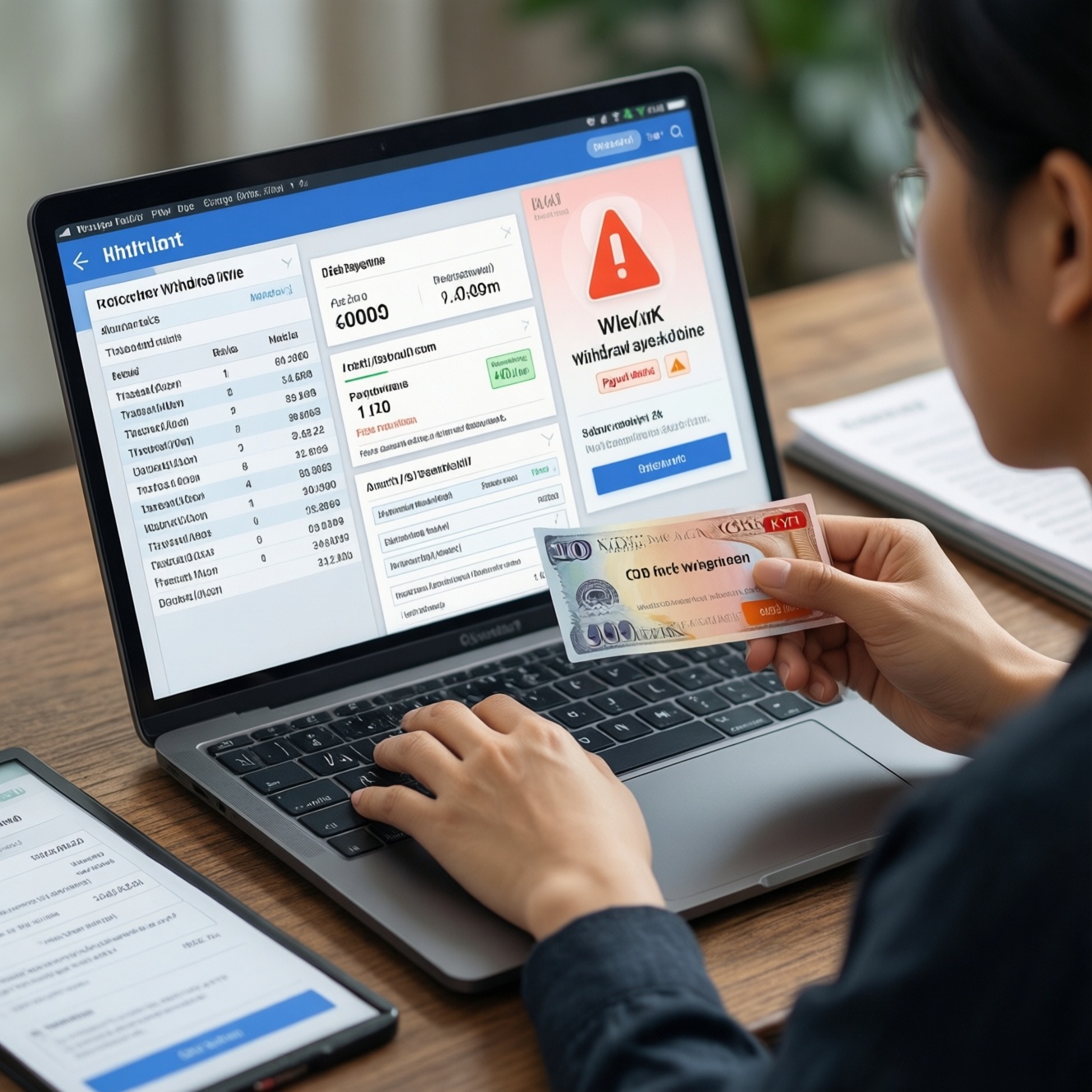
To deposit and withdraw safely, use only approved funding methods in your own name, complete KYC early, and track every fee layer (provider, FX, network, and platform). Follow a repeatable "cash out money online step by step" flow: confirm limits, submit a compliant payout request, monitor status logs, and resolve failures by matching method ownership, documents, and transaction references.
Essential Deposit & Withdrawal Quick Checklist
- Use a payment method registered in your legal name; avoid third-party cards/accounts.
- Complete KYC before your first withdrawal to reduce review delays.
- Check deposit and withdrawal fees across the platform, your bank/issuer, and any FX conversion layer.
- Confirm minimum/maximum limits and daily/monthly caps before initiating a transfer.
- Keep references: transaction ID, receipt/screenshot, bank slip, and timestamps.
- For withdrawals, match the payout method to the original deposit method when required.
Preparing Accounts: KYC, Limits, and Approved Funding Sources
This workflow fits users who deposit/withdraw regularly, use more than one method (bank/card/e-wallet), or want predictable reconciliation. Do not proceed if you cannot pass identity checks, your payment method is not in your name, or you are trying to route funds through intermediaries-those patterns commonly trigger holds, reversals, or account restrictions.
- Have ready: a government ID, proof of address (if requested), and access to the payment account (bank app, card portal, e-wallet login).
- Pre-check limits: minimum deposit/withdrawal, per-transaction caps, and rolling daily/monthly limits.
- Confirm method eligibility: some platforms restrict withdrawals to the same rails used for deposits.
- Security baseline: enable 2FA, update password, and verify your email/phone before moving funds.
Deposits Step‑by‑Step: Bank Transfers, Cards, and E‑wallets
What you'll need: platform account access, verified contact details, chosen payment method, sufficient balance, and the ability to confirm transactions (OTP, app approval, or PIN). If you're comparing tools, the table below helps you choose based on timing and typical cost types (not platform-specific pricing).
| Method | Typical confirmation time | Common cost types you may see | Notes on typical limits |
|---|---|---|---|
| Bank transfer (local) | Minutes to business-day depending on bank cutoffs | Bank transfer fee; possible FX fee if cross-currency | Often higher caps; may require exact reference |
| Card (debit/credit) | Usually quick after issuer approval | Card processing fee; issuer cash-advance/FX fees possible | Often lower caps; name/address checks are strict |
| E-wallet | Usually quick once authenticated | Wallet top-up fee; transfer fee; FX fee if applicable | Depends on wallet verification tier |
| Crypto/network transfer (if supported) | Network-dependent; requires confirmations | Network fee; exchange spread; possible platform handling fee | Depends on chain/asset; wrong network causes loss risk |
Deposit preflight (do this before clicking "Confirm")
- Confirm the deposit currency and whether conversion will occur (platform-side vs bank/issuer-side).
- Check that your name on the payment method matches your profile exactly (spelling order matters).
- Verify the destination details (bank account number, merchant name, wallet ID, network/chain).
- Ensure your device time/date is correct; OTP/2FA can fail on skewed clocks.
- Plan for receipts: keep a screenshot of the confirmation page and the bank/card/wallet authorization.
Deposit actions
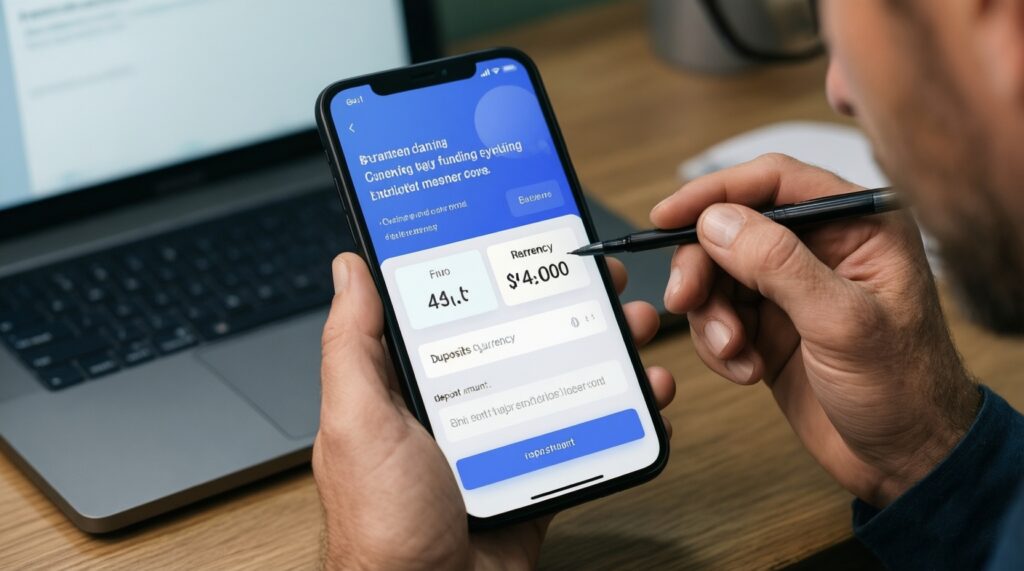
- Select the funding method and currency. Choose bank/card/e-wallet and the correct currency to reduce FX surprises and mismatched ledger entries.
- Enter the amount within limits. Stay above the minimum and below the per-transaction cap; if you're near a rolling limit, split deposits only if the platform permits it.
- Complete authorization (OTP/3DS/app approval). Expect a success screen plus a transaction reference; if you only see "pending," don't retry immediately-confirm in your bank/wallet first.
- Verify the balance and transaction history entry. You should see the deposit in your account history with a matching timestamp/ID. If it doesn't appear, use the payment reference to trace it.
Withdrawals Step‑by‑Step: Processing, Hold Times, and Reconciliation
Withdrawal preflight (prep-checklist)
- Confirm you meet KYC requirements and your profile details are up to date (name, address, phone).
- Ensure the withdrawal method is allowed and, when required, matches the last deposit method.
- Check available balance vs locked/pending balance (bonuses, open orders, or unsettled items can block payouts).
- Review "instant withdrawal methods and fees" for your chosen rail (wallet vs bank vs card) so you're not surprised by speed/cost trade-offs.
- Prepare evidence: bank statement snippet showing your name/account, or wallet profile page, if the platform requests proof of ownership.
-
Choose the payout method that matches policy. If the platform requires same-rail payouts, select the method tied to your deposits to avoid a compliance hold.
- Expected outcome: method is selectable and shows as "verified" or "available."
- Tolerance: if it's greyed out, complete KYC or add/verify the method first.
-
Enter amount and confirm net payout preview. Check the displayed fees and the estimated net amount; this is where you validate deposit and withdrawal fees at the platform layer.
- Expected outcome: fee lines (if any) and an ETA/status label (instant/standard/pending review).
-
Run the "how to withdraw money verification process" checks. If prompted, upload documents immediately and ensure they are readable and consistent with your profile.
- Expected outcome: a "submitted"/"under review" state with a case or ticket ID.
- Tolerance: don't submit multiple different documents unless requested-version mismatches slow review.
-
Submit withdrawal and capture reconciliation data. Save the withdrawal ID, timestamps, and method details; this is essential when you later investigate "withdrawal failed reasons and solutions."
- Expected outcome: status changes from submitted → processing → completed (or rejected with a reason).
-
Reconcile on the receiving side. Check your bank/wallet ledger for an incoming credit that matches the amount (net of fees) and reference.
- Expected outcome: matching reference/descriptor and the correct currency.
- Tolerance: if the platform says "completed" but you don't see funds, allow for receiving bank posting rules and then escalate with the payout reference.
Real-world error examples and exact fixes:
- Error: "Withdrawal rejected: payment method not in your name". Fix: add a method where you are the account holder, update your profile name to match your ID, then re-request the payout using that verified method.
- Error: "Payout failed: invalid account number/unsupported bank". Fix: re-enter bank details carefully, confirm the bank supports incoming transfers for that rail, and resubmit; if available, switch to an e-wallet as an alternative payout route.
Fee Breakdown and Optimization: Fixed, Percentage, FX, and Network Costs
Fees usually stack across layers. To control total cost, map the full path: platform fee (if any) + provider fee (bank/card/wallet) + FX/spread + network/chain fee (if applicable). Use this checklist to verify the result before and after each transaction.
- Confirm whether the platform fee is fixed, percentage-based, or tiered by method.
- Check issuer/bank fees separately (card cash-advance, international processing, or transfer fees may not be shown on-platform).
- Identify FX conversion point: platform converts, bank converts, or wallet converts (avoid double conversion).
- Verify the settlement currency on the receiving side matches your expectation (currency mismatch often looks like "missing money").
- If using crypto/network transfers, confirm chain/network and expected network fee volatility before sending.
- Compare "instant" vs "standard" payout options: instant withdrawal methods and fees can be higher due to routing/priority.
- After completion, reconcile gross vs net: starting balance, debited amount, credited amount, and any separate fee line items.
- Keep a single reference set (IDs + receipts) per transaction; fragmented evidence slows disputes.
Verification Breakdowns: Common Document Issues and Escalation Paths
- Mismatch in name spelling/order. Align profile name with ID; avoid nicknames and inconsistent transliteration.
- Blurry or cropped images. Retake in good light; show all corners; avoid glare on ID holograms.
- Expired documents. Renew first; expired IDs commonly trigger auto-reject.
- Unsupported proof of address. Provide an accepted document type with your name and full address visible; ensure it's current per platform rules.
- Edited/filtered files. Upload originals; metadata tampering can cause manual review delays.
- Payment method ownership not proven. Provide a statement/screenshot showing your name and last digits (mask sensitive data, but keep identifiers consistent).
- Multiple submissions with conflicting details. Stick to one clean set; use the same address format everywhere.
- Review stuck with no updates. Escalate with ticket ID, upload timestamps, and the exact rejection message; request a human review if automated checks loop.
Failed Payouts Diagnostic: Root Causes, Logs to Check, and Recovery Actions
Use these alternatives when a payout fails, is rejected, or appears completed but doesn't arrive. Each option matches common "withdrawal failed reasons and solutions" patterns and keeps the recovery path auditable.
-
Switch to a compliant payout rail (when policy allows). If the bank route rejects, try an approved e-wallet in your name or a different supported bank account (still yours).
- When it fits: repeated bank detail errors, unsupported receiving bank/branch, or frequent intermediary rejections.
-
Re-submit after correcting method ownership/KYC blockers. Fix name mismatches, complete missing verification steps, and ensure the withdrawal method matches deposit history requirements.
- When it fits: rejection messages referencing verification, ownership, or "same method" rules.
-
Trace by reference and request a payout trace. Provide withdrawal ID, provider reference, timestamps, and receiving account details; ask support for a trace document or processing log excerpt.
- When it fits: platform shows "completed" but funds are not posted on the receiving side.
-
Reverse/void and re-initiate (only if the platform confirms it's safe). Do not spam submissions; request confirmation that the prior transaction is voided/failed before attempting again.
- When it fits: status stuck in "pending" with no provider confirmation, or duplicate attempts risk double debits.
Operational Clarifications on Deposit and Payout Procedures
Where do "deposit and withdrawal fees" usually come from?
They can come from the platform, the payment provider (bank/card/wallet), and FX or network layers. Always check both the on-platform fee preview and your provider's final posting.
What is the safest "cash out money online step by step" sequence?
Complete KYC, confirm limits, pick an approved method in your name, submit a single withdrawal, then reconcile using the withdrawal ID and provider reference. Escalate only after you have those identifiers.
How long does the "how to withdraw money verification process" take?
Timing depends on document quality and whether your details match across profile, ID, and payment method. Fastest outcomes happen when you submit one clear, consistent document set and avoid repeated edits.
Which "instant withdrawal methods and fees" trade-offs should I expect?
Instant routes often cost more due to priority processing or different rails. If cost control matters more than speed, select a standard method and avoid unnecessary currency conversion.
What are the most common "withdrawal failed reasons and solutions" I can fix myself?
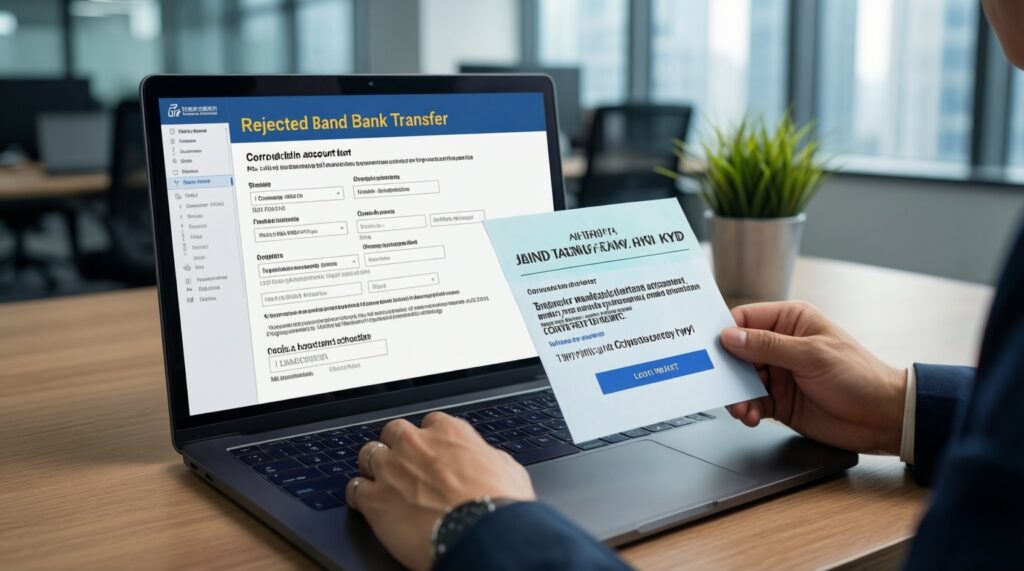
Name mismatch, invalid bank details, unsupported receiving bank, unmet KYC, and method-ownership issues are the most common. Fix the root cause, then resubmit once with clean details and saved references.
What should I do if my withdrawal says "Completed" but I haven't received funds?
First check receiving account posting and currency, then look for a provider reference/trace number in the withdrawal details. If still missing, open a support ticket with the withdrawal ID, timestamps, and receiving account identifiers.