
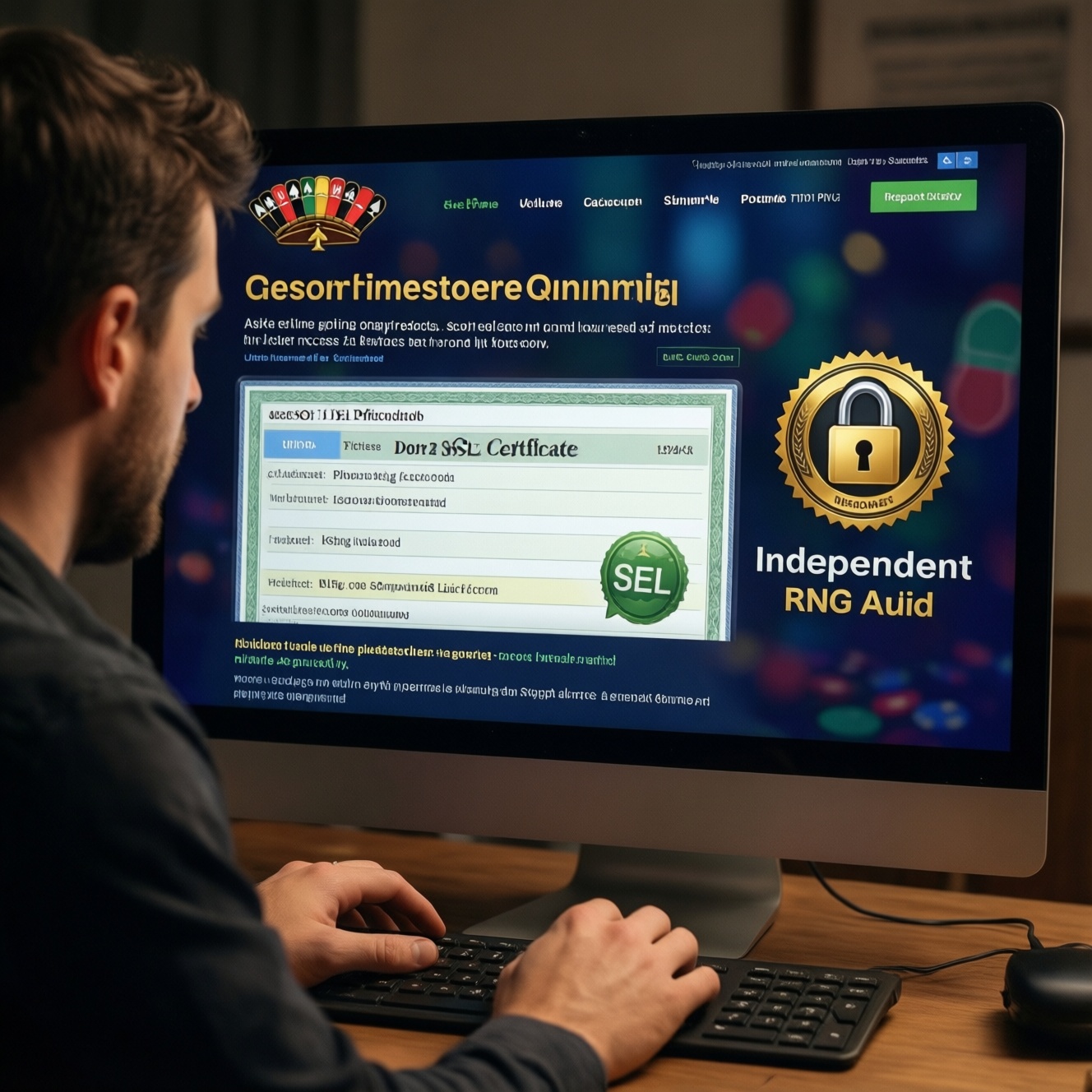
To assess an online casino's legitimacy and safety, verify the regulator's license record, confirm TLS/SSL is correctly deployed, and look for independent RNG testing evidence. This process helps you avoid fake "licensed" badges, insecure connections, and unverified game outcomes. Use browser certificate details, regulator databases, and audit scope checks before depositing.
Essential Compliance Snapshot
- Validate the license in the regulator's own register (not only on the casino site) and match the legal entity name.
- Confirm HTTPS is enforced and the certificate is valid for the exact domain you're using (no mismatched hostnames).
- Check for modern TLS behavior (no certificate warnings, no mixed-content prompts, consistent secure redirects).
- Require evidence of RNG testing from recognized independent labs, with clear scope covering the games you play.
- Prefer operators with repeatable transparency: dated reports, identifiable certificates, and stable ownership details.
Verifying Licensing: How to authenticate regulator credentials
This check fits you if you're about to register, deposit, or switch to a new brand/URL, and you want to confirm "คาสิโนออนไลน์ถูกกฎหมาย ใบอนุญาต" claims with primary evidence. Skip this if the site blocks access in your region or you cannot access the regulator's public register; in that case, use reputable local alternatives and avoid sending documents or funds.
- Open the casino's footer and locate: license number, regulator name, and legal entity (company) name.
- Search the regulator's official site for the license number or company name (this is the core of ตรวจสอบใบอนุญาตคาสิโนออนไลน์).
- Match three fields exactly: legal entity name, brand/trading name, and authorized domain(s) (if listed).
- Confirm status is active (not suspended/withdrawn) and note any conditions or jurisdiction limits.
- Quick example: a footer shows "Licensed to ACME Gaming Ltd"; the regulator record must also say "ACME Gaming Ltd" (not a similarly spelled entity).
SSL and Transport Security: Inspecting certificates and configurations
What you need before you start (aimed at "คาสิโนออนไลน์ปลอดภัย SSL" verification):
- A desktop browser (Chrome/Edge/Firefox) with access to the lock icon and certificate viewer.
- Ability to visit the site on the exact domain you will use for login/deposits (avoid copied links from ads).
- Optional: a second device/network (mobile data vs Wi‑Fi) to spot inconsistent redirects or captive portals.
- Optional: a command line (Windows/macOS/Linux) for basic TLS inspection (only if you're comfortable).
- Click the padlock icon → open "Connection is secure" → view the certificate.
- Check "Issued to / Subject": the domain must match (e.g., www.example.com vs example.com).
- Check validity dates and ensure there are no browser warnings or "Not secure" indicators anywhere in login/cashier flows.
- Ensure HTTP redirects to HTTPS automatically: type http:// and confirm it upgrades to https://.
- Quick example: in certificate details, "Subject Alternative Name (SAN)" includes www.casino-site.tld; if it doesn't, treat it as a red flag.
RNG Integrity: Methods to validate randomness and audit trails
Preparation checklist (do this before the steps):
- Write down the exact game provider(s) you play (slots/live/instant games may be audited differently).
- Find the casino's "Fairness", "RNG", "Testing", or "Certificates" page (usually in the footer).
- Save screenshots/PDFs of any certificates you find (date, lab name, scope, and operator name visible).
- Identify whether games are "provably fair" (common in crypto) or "lab-audited RNG" (common in traditional casinos).
- Know your goal: answer "RNG คืออะไร คาสิโน ตรวจสอบ" practically by locating independent evidence, not by trusting a banner.
-
Locate the RNG/testing claim and capture it
Open the casino's footer and policy pages; record the lab name, certificate/report ID, and the operator legal entity mentioned. If the page only says "RNG certified" with no lab or scope, treat it as unverified marketing.- Save the URL and a screenshot showing date/version if present.
-
Verify the lab identity and document authenticity
Look for a certificate that can be validated (serial/report number, digital signature, or a verifiable link on the lab's domain). If the PDF metadata shows it was created by the casino's own organization, be cautious.- Check the PDF properties: author/producer fields should not look like the casino brand.
- If there is a QR code or verification link, ensure it points to the lab's official domain.
-
Confirm the scope: operator, domain, and game/provider coverage
An RNG certificate is only meaningful if it applies to the exact operator/entity and the games you access on that domain. Many reports cover a game provider's RNG in general, not the casino's implementation.- Match: operator name, brand, and (where listed) domain(s).
- Match: game types and provider modules (e.g., "RNG for slot engine vX.Y").
-
Check recency and re-testing cadence signals
Prefer reports with a clear date, versioning, and an indication of periodic re-testing or change control. If the certificate is undated, extremely old, or missing version references, assume it may not reflect the current platform build.- Look for "version", "build", "module", or "release" identifiers in the report.
-
Cross-check for consistent "audited RNG" messaging across pages
Compare what the casino says on the fairness page, terms, and provider pages. Inconsistencies (different lab names, different license entities, or conflicting jurisdictions) often indicate copied or outdated materials.- Quick example: fairness page names Lab A, but the PDF is branded Lab B and references a different operator.
-
Make a decision threshold before you deposit
If you cannot confirm independent testing scope and authenticity, treat the casino as "unverified RNG" and avoid deposits. This is the practical dividing line for users seeking คาสิโนออนไลน์ที่มีการตรวจสอบ RNG.- Choose another licensed operator where certificates and scope are clear.
Third‑Party Audits and Reports: Interpreting lab certificates and scope
- Lab is identifiable (full legal name) and not just a logo; document includes a report/certificate ID.
- Operator legal entity in the report matches the regulator license record (not just the brand name).
- Scope explicitly states what was tested (RNG module, game engine, return calculations, platform components).
- Scope covers the games/providers you actually access on the site, not a different product line.
- Report includes a date and, ideally, version/build identifiers tied to the tested component.
- Document integrity signals exist (signature, verification URL/QR, or reproducible validation method).
- Jurisdiction and domain references are consistent with where and how the casino operates.
- No "generic" wording that could apply to anyone (e.g., missing operator name, missing tested system identification).
- Quick example: a strong scope line looks like "RNG module XYZ v2.4 for Provider ABC slot engine," not just "RNG certified."
Ongoing Monitoring: Automated checks and change‑detection routines
- Relying on a one-time screenshot: licenses and statuses can change; re-check before major deposits.
- Bookmarking only the casino's "license" page instead of the regulator register entry.
- Ignoring domain changes (new TLD/mirror domains) that are not listed in license or audit scope.
- Assuming HTTPS equals safety: a valid certificate doesn't prove legitimacy, only encrypted transport.
- Not noticing certificate warnings after updates (expired certs, hostname mismatches, unusual issuers).
- Failing to re-verify after ownership/brand changes (new company name in footer, new payment recipient).
- Mixing lab reports for providers with operator-level assurances; you need consistent coverage for your use-case.
- Over-trusting "seal" images: seals can be copied; always look for verifiable report IDs and scope text.
Practical Red Flags: Signs of malpractice and immediate responses
When these appear, use safer alternatives instead of trying to "work around" them:
- License cannot be found in the regulator register: stop onboarding; switch to a clearly licensed operator with a verifiable record and matching legal entity.
- Browser shows certificate errors or mixed-content warnings in cashier/login: do not enter credentials; use another operator or wait until the site fixes TLS correctly.
- RNG proof is vague (no lab, no scope, no dates): choose a platform that publishes independent reports covering your game providers and versions.
- Inconsistent legal entity/payment recipient details: pause all deposits; use payment methods with dispute options and prefer operators with stable, transparent ownership info.
Common Concerns and Clarifications
Is a footer badge enough to prove a casino is licensed?
No. Always confirm the license via the regulator's own register and match the legal entity and status, not just a "badge" image.
What if the casino says "licensed" but doesn't show a license number?
Treat it as unverified until you can find the operator in an official regulator database by company name and brand/domain references.
Does HTTPS mean the casino is legitimate?
No. HTTPS only protects data in transit; legitimacy still depends on licensing and independent audit evidence.
How can I tell whether the SSL certificate matches the real site?
Open certificate details and confirm the domain appears in Subject Alternative Name (SAN) and that there are no browser warnings during login and payments.
What counts as acceptable RNG evidence?
A dated, identifiable independent lab report/certificate with a clear scope that matches the operator and the games/providers you play.
Can a provider's RNG certificate replace a casino's audit?

Not fully. Provider certificates help, but you still need operator- and domain-consistent documentation and licensing, because implementation and content delivery can differ.
What should I do if I find conflicting audit or license information?
Do not deposit. Save evidence (screenshots/PDFs), switch to a different licensed operator, and contact support only after you've secured your account and funds.