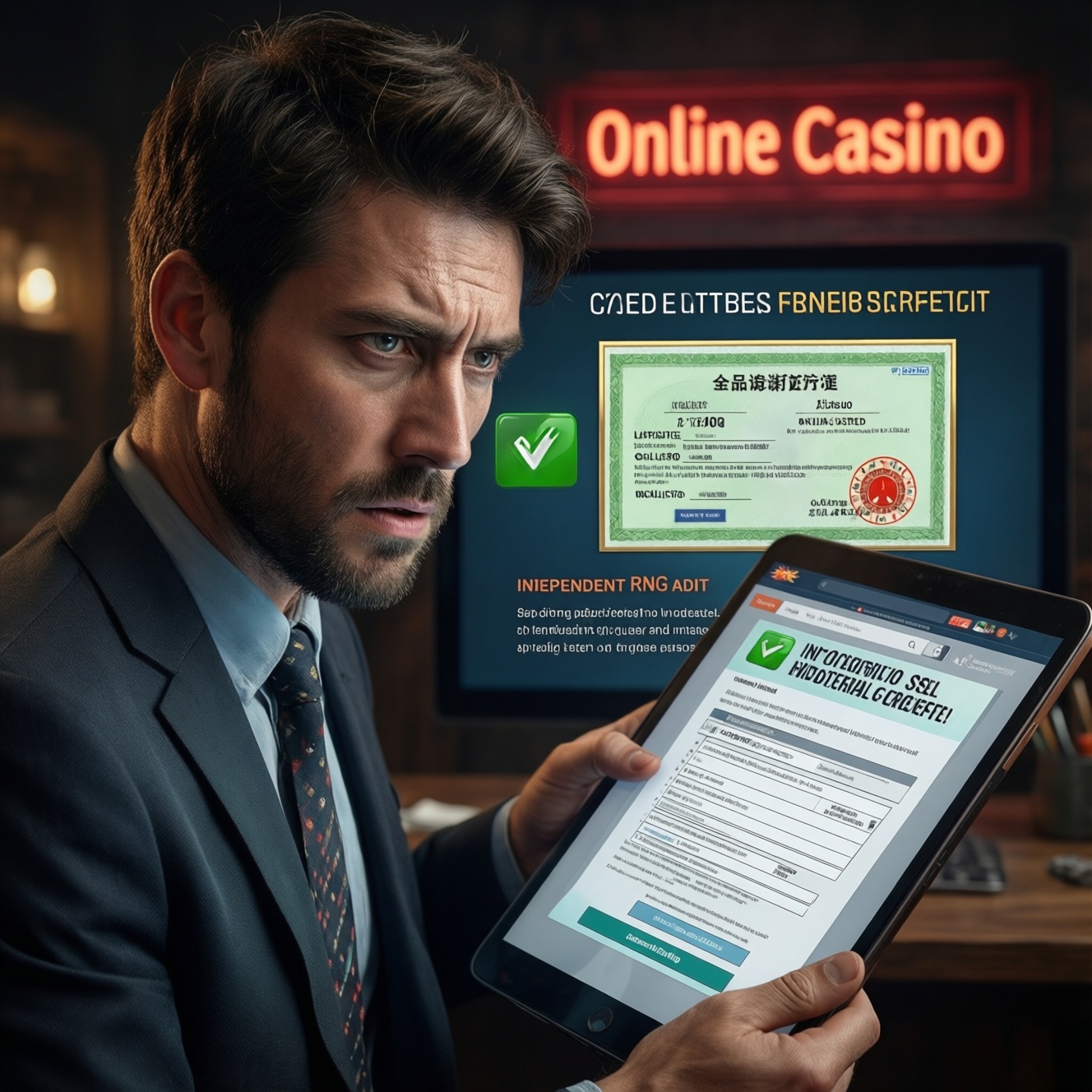
To verify an online casino's license and security, you need three parallel checks: (1) confirm the license with the regulator (not just a logo), (2) validate SSL/TLS configuration and certificate hygiene, and (3) look for independent RNG testing evidence. This guide shows safe, user-friendly steps to decide whether a site is trustworthy enough to use.
Priority verification checklist for licenses and cryptographic safety
- Find the stated regulator and license number, then verify it on the regulator's official register (not a screenshot).
- Confirm the licensed entity name matches the site's Terms/Legal entity and payment descriptors.
- Check HTTPS is enforced site-wide and the certificate is valid for the exact domain you are using.
- Review TLS basics: modern protocol support, no obvious downgrade/mixed-content behavior, and reasonable renewal/validity practices.
- Locate RNG testing proof (lab name + report/certificate) and ensure it matches the operator and product scope.
- Scan for operational security signals: clear privacy policy, 2FA availability, and transparent incident handling.
How to Verify a Gambling License and Regulator Reputation
Who this is for: players in Thailand who want a practical way to ตรวจสอบใบอนุญาตคาสิโนออนไลน์ and reduce risk before depositing, as well as intermediate users who can read basic legal/tech pages.
When not to do this (and walk away instead): if the site blocks access to legal pages, only shows a regulator logo without a verifiable license record, or pushes you to deposit before you can confirm whether the คาสิโนออนไลน์ถูกกฎหมาย มีใบอนุญาต claim is real.
Regulator reputation quick screen (safe and non-technical):
- Open the casino's footer "License/Legal" section and copy the license number and licensed company name.
- Go to the regulator's official website and search its license register for that number/company.
- Confirm the register shows status (active/valid), domain/brand (where listed), and any restrictions or warnings.
- Search the regulator site for "public notices", "warnings", or "enforcement" pages related to the same brand/entity.
| What you're comparing | What "good" looks like | What "high risk" looks like | How to verify (user-safe) |
|---|---|---|---|
| License claim | License number + entity name + regulator register entry matches | Logo only, no number, or register has no record / different entity | Regulator public register search; cross-check entity name in Terms |
| Jurisdiction scope | Clear scope (remote gambling/casino), clear excluded territories | Vague scope, "global license", no exclusions listed | Read Terms/Responsible Gambling/Restricted Countries |
| SSL/TLS posture | HTTPS enforced, valid certificate for the exact domain, no mixed content | HTTP pages, certificate warnings, frequent redirects to odd subdomains | Browser padlock + certificate viewer; SSL test tools (read-only) |
| RNG certification | Independent lab named + report/certificate referencing operator/product | "RNG certified" badge with no lab/report; unverifiable PDF | Find lab name; validate report details match brand/entity and games |
Decoding License Terms: Scope, Jurisdiction, and Compliance Conditions
You'll need:
- A browser with certificate viewing (Chrome/Edge/Safari/Firefox).
- Access to the casino pages: Terms & Conditions, Privacy Policy, Responsible Gambling, AML/KYC policy (if published), and the "About/Legal" page.
- The regulator's official license register page (bookmark it to avoid phishing clones).
- Optional read-only tools:
- SSL Labs Server Test (web-based) for a deep TLS snapshot.
- WHOIS / domain lookup to sanity-check domain age/ownership patterns (not a guarantee).
- Command line (optional):
opensslfor certificate/TLS inspection.
What to extract from the Terms (copy/paste into notes):
- Licensed entity (company name, registration details, address).
- License identifier (number/code) and regulator name.
- Brand/domain scope (which domains/apps are covered).
- Jurisdiction limits (restricted countries, including Thailand if stated).
- Compliance conditions that affect you: KYC triggers, withdrawal rules, bonus terms, dispute resolution.
SSL/TLS Assessment: Certificates, Ciphers, and Renewal Practices
- Risk: phishing and lookalike domains can have valid HTTPS too-always verify the exact domain and certificate details.
- Risk: a padlock does not prove fairness; it only indicates encrypted transport (คาสิโนออนไลน์ปลอดภัย SSL is necessary, not sufficient).
- Limitation: you cannot personally "prove" server-side key management; you can only detect common misconfigurations and hygiene issues.
- Risk: testing tools may log the domain you test; avoid testing private URLs with tokens or account pages.
-
Confirm HTTPS is enforced on all entry points
Type the domain manually and ensure it redirects to
https://. Visit several core pages (home, login, cashier, terms) and confirm the padlock remains without warnings.- Avoid logging in until basic checks pass.
- If any page loads on HTTP or shows a certificate warning, treat it as high risk.
-
Inspect the certificate for domain match and issuer
Open the certificate viewer in your browser and confirm the certificate is valid and issued for the exact domain you're using (watch for subtle misspellings and unusual subdomains).
- Check "Subject/Subject Alternative Name" includes the domain.
- Check validity dates: frequent, unexplained changes can indicate instability; extremely long validity can indicate poor hygiene (context matters).
-
Check for mixed content and suspicious third-party scripts
Open browser DevTools (Console/Security) and reload. Mixed-content warnings (HTTP assets on an HTTPS page) weaken security and can enable injection risks.
- Pay attention on login/cashier pages.
- Excessive unknown tracking scripts on cashier flows is a risk signal.
-
Run a read-only external TLS scan (optional but recommended)
Use a reputable TLS scanner (for example, SSL Labs) to review protocol support, cipher suites, and known configuration problems. You are looking for obvious red flags, not perfection.
- Red flags: legacy protocols enabled, insecure renegotiation, certificate chain errors.
- Save the report link/screenshot for later comparison if the site changes.
-
Command-line spot check (advanced optional): view certificate chain
If you're comfortable with terminal tools, you can inspect the presented certificate chain without logging in.
openssl s_client -connect example.com:443 -servername example.com -showcerts- Verify the chain is complete and the hostname matches; if you don't understand the output, rely on the browser + external scan instead.
Evaluating RNG Integrity: Standards, Testing Labs, and Public Reports
Players often ask: RNG คาสิโน คืออะไร ตรวจสอบได้ไหม? You can't directly audit the RNG as a user, but you can verify whether reputable third parties tested it and whether the published evidence matches the operator, product, and timeframe.
- Find an RNG/testing section in Terms, "Fairness", or "Game rules" pages (not only a footer badge).
- Look for a named independent testing lab and a report/certificate (PDF/link) that is accessible without login.
- Confirm the report references the licensed entity (company name) and/or the brand/domain you're using.
- Check the report scope: does it mention RNG and/or specific game providers (slots/live/instant games)?
- Check document integrity signals: consistent branding, verifiable lab contact details, and no obvious editing artifacts.
- Validate the lab identity by navigating to the lab's official website and finding a way to confirm certificates (if offered) or at least confirm the lab provides gambling RNG testing.
- Ensure the casino's "RNG certified" claim is not generic: คาสิโนออนไลน์น่าเชื่อถือ มาตรฐาน RNG requires traceable evidence, not marketing text.
- Cross-check for regulator mentions: some regulators publish or require testing disclosures-ensure there is no contradiction with the regulator record.
Operational Security Review: Data Handling, Access Controls, and Incident History
Common mistakes players make when judging safety (and what to check instead):
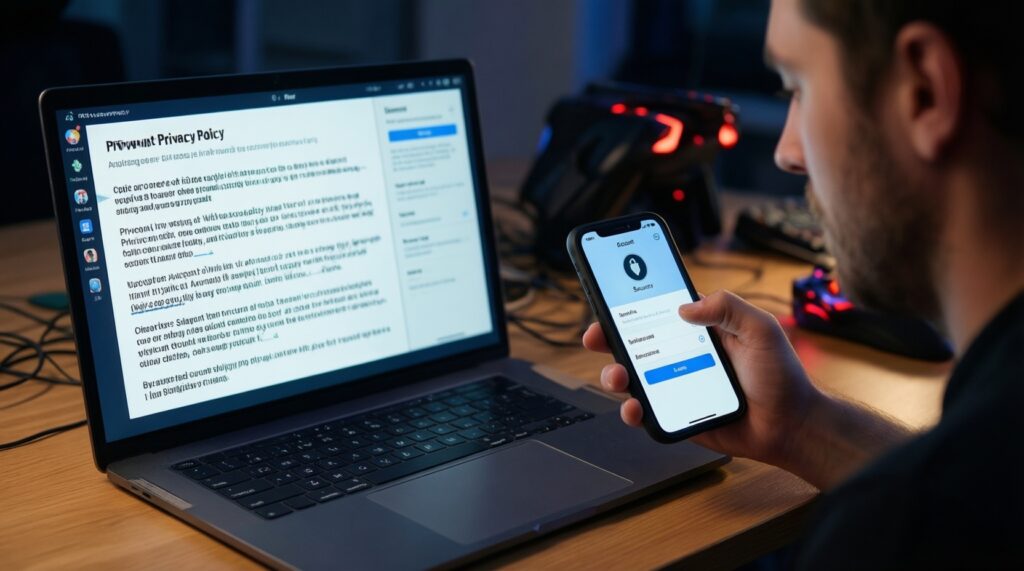
- Trusting badges over policies: read the Privacy Policy for what data is collected, how it's shared, and retention logic.
- Skipping account security: verify 2FA availability, login alert options, and session/device management (log out other sessions).
- Ignoring KYC/withdrawal conditions: unclear KYC triggers and vague "source of funds" wording can create withdrawal risk.
- Not checking domain consistency: redirects to different domains for cashier/login increase phishing and token-leak risk.
- Reusing passwords: credential stuffing is common; use a password manager and unique credentials.
- Using risky networks/devices: avoid public Wi‑Fi for deposits/withdrawals; keep OS/browser updated.
- Overlooking support and dispute paths: confirm a real support channel and a documented complaints process tied to the regulator/license.
- Not searching for incident disclosure: check whether the operator has a history of communication about outages, breaches, or account takeovers; silence is not proof of safety, but evasiveness is a signal.
Red Flags and Risk Mitigation: Detection Steps and Remediation Actions
If any of the following applies, reduce exposure immediately rather than "testing with a deposit":
- License can't be verified in the regulator register → stop. Use a different operator where the license record is searchable and matches the entity/brand.
- TLS/certificate warnings, mixed content on login/cashier, or suspicious redirects → do not log in. Clear cache, retype the domain, and compare with official links; if it persists, avoid the site.
- No RNG lab/report, or documents don't match the operator/product → assume the "fairness" claim is unproven and choose an operator with traceable third-party testing evidence.
Alternatives when full verification is not possible (choose what fits your situation):
- Use a different brand with verifiable disclosures when you can't confirm whether the คาสิโนออนไลน์ถูกกฎหมาย มีใบอนุญาต claim is backed by a regulator register entry.
- Limit exposure while you verify by avoiding deposits and only browsing public pages until license + TLS + RNG evidence checks are complete.
- Prefer providers with transparent testing pages when you care specifically about RNG คาสิโน คืออะไร ตรวจสอบได้ไหม and want a clear chain: operator → lab → report → scope.
- Use device-level safeguards (password manager, unique password, OS updates, secure network) if you proceed despite partial uncertainty; this doesn't fix licensing gaps but reduces account takeover risk.
Common concerns and quick clarifications on licensing and security
Is a license logo in the footer enough to trust a casino?
No. You should ตรวจสอบใบอนุญาตคาสิโนออนไลน์ by matching the license number and entity name against the regulator's official register entry.
Does HTTPS mean the casino is safe and fair?
No. คาสิโนออนไลน์ปลอดภัย SSL only indicates encrypted transport; it does not prove payout fairness, solvency, or correct withdrawal behavior.
What should match between the regulator register and the casino website?
The licensed company name, license status, and any listed brands/domains should align with the site's Terms and payment descriptors. Mismatches are a high-risk indicator.
RNG คาสิโน คืออะไร ตรวจสอบได้ไหม for regular players?
RNG is the random number generator used to determine outcomes in many games. You typically can't audit it yourself, but you can verify independent lab testing and that the report scope matches the operator and products.
What evidence supports คาสิโนออนไลน์น่าเชื่อถือ มาตรฐาน RNG?
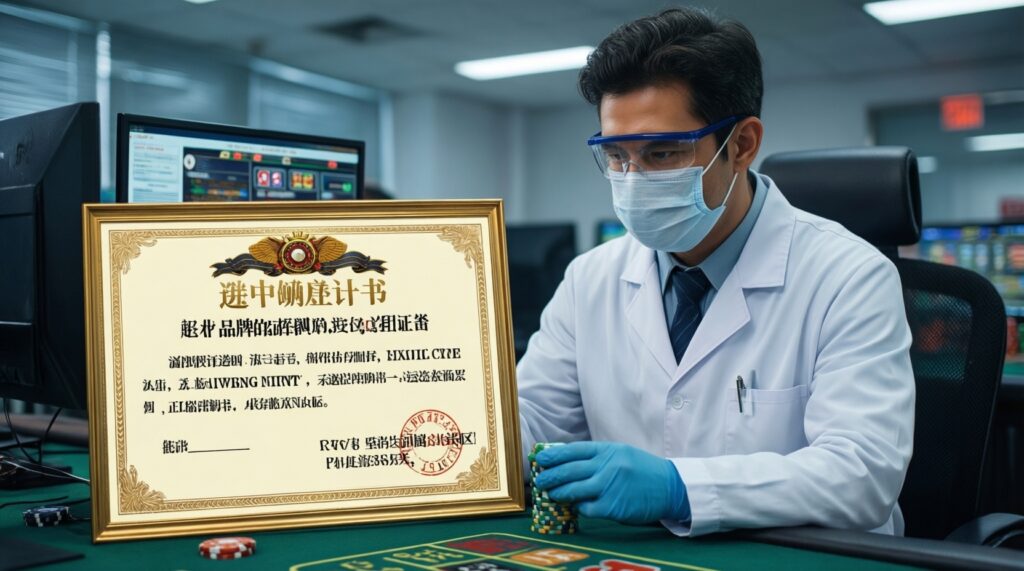
A named independent testing lab plus a publicly accessible report/certificate that references the operator (entity/brand) and explicitly covers RNG or relevant game categories.
What's the quickest reason to stop before depositing?
If the license is not verifiable in the regulator register or the site shows certificate/mixed-content warnings on login or cashier pages, stop and pick another operator.