
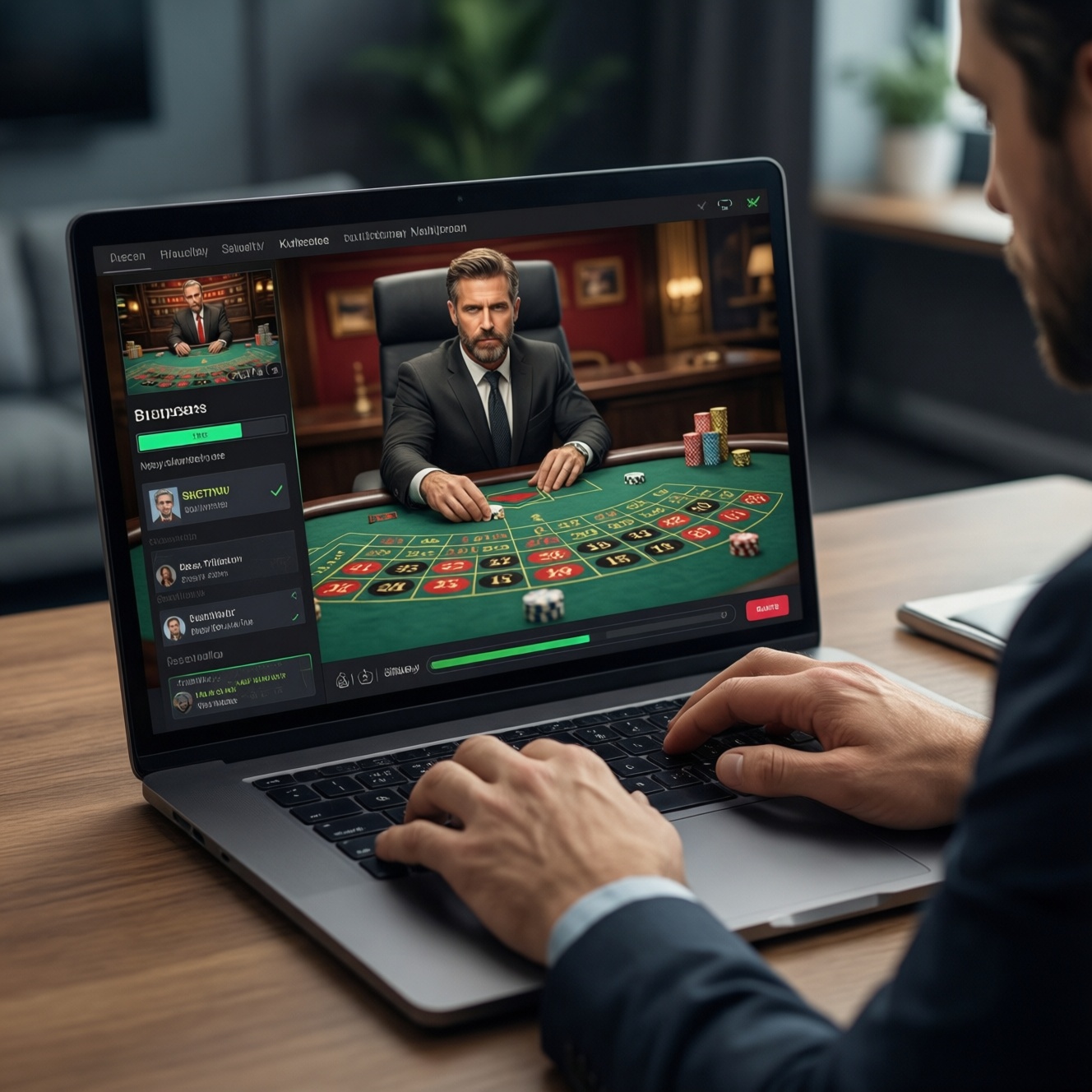
To pick a safe, smooth live-dealer experience, start with the right game table for your pace and bankroll, then verify the studio's licensing and operator relationships, and finally stress-test streaming quality (resolution, bitrate, latency) on your own device and network. This method helps you narrow live dealer casino tables to those that are playable, fair, and stable.
Quick Criteria for Choosing a Live-Dealer Table
- Choose a table type that matches your decision load: blackjack (high), roulette (medium), baccarat (low).
- Prefer games hosted by recognizable live casino studios with clear licensing details inside the casino help/about pages.
- Confirm live dealer casino streaming quality on your exact device: stable HD, no audio drift, and low delay between bet placement and outcome.
- Check betting limits and side-bet volatility before you deposit; avoid tables where min/max forces bad bankroll decisions.
- Watch 10-15 minutes of real rounds: dealer pace, error handling, and how disputes are resolved in-chat.
- Verify the casino's cashier and support are reachable from Thailand and clearly state KYC/withdrawal steps.
Assessing Table Types: Blackjack, Roulette, Baccarat and Variants

Pick the table based on how much real-time decision-making you want and how sensitive you are to variance. This is the fastest way to filter options when searching for the best live dealer casino for your style.
- Blackjack: best if you like frequent decisions and can keep pace with timers; avoid if you're prone to rushed errors or you multitask while playing.
- Roulette: best if you want simple bets and clear outcomes; avoid high-volatility side bets or "feature" wheels if you're bankroll-protective.
- Baccarat: best if you want low decision load and steady cadence; avoid if you chase patterns or expect "systems" to change the math.
- Variants (Speed, VIP, Infinite/Unlimited seats, No-Commission, etc.): use them only when the rules are easy to verify on-screen; avoid variants with unclear side-bet rules or payouts hidden behind info panels.
Evaluating Studio Reputation: Licences, Operator Partnerships, and Audits
You'll need a few basic access points before trusting any table:
- Casino "About/Legal" page showing operator name, license jurisdiction, and responsible gambling links.
- Game info panel (often an "i" icon in the player) showing provider/studio name and rules.
- Support channel you can actually reach (live chat or email) to ask: "Which company runs the live studio feed for this table?"
- Device-level tools to validate playback: your browser's stats for nerds (where available), OS network indicator, and a stable Wi‑Fi/4G/5G baseline.
Practical check: a top rated live casino online usually discloses who operates the platform and which studios supply tables; if that information is missing or contradictory, treat it as a risk signal and move on.
Streaming Quality Metrics: Resolution, Frame Rate, Bitrate and Latency
Risks and limits (risk-aware):
- "Auto" video mode can hide problems by silently lowering resolution; you may only notice after misreading cards or roulette results.
- High bitrate without stable connectivity can cause micro-freezes exactly during betting windows.
- Latency differs by device, browser, and route to the studio; your friend's experience may not match yours.
- Casino-side delays (table queueing, seat switching) can feel like lag even when your network is fine.
-
Set a baseline on your network
Close downloads and switch to the network you'll actually use (home Wi‑Fi, 4G/5G). If possible, stand still and test in the same room/spot; roaming around increases jitter and latency spikes.
-
Force a consistent video mode
Open a table, find the video/gear settings, and select a fixed quality (for example HD) instead of Auto. This makes problems visible quickly and prevents silent downscaling that can hurt readability.
-
Check bitrate stability, not just resolution
A useful rule of thumb is to aim for a stream bitrate above about 3 Mbps for stable HD clarity on many live tables. If bitrate fluctuates heavily, expect freezes and blurred frames during fast moments.
- If you cannot see bitrate, use symptoms: repeated buffer spinner, sudden blur, or audio staying clear while video stutters.
-
Observe frame smoothness during fast actions
Watch dealing/ball spin for at least 5-10 rounds. If motion looks "steppy" or smeared, frame rate is likely dropping, which increases misreads and late bets.
-
Measure practical latency in gameplay terms
Place a tiny test bet and watch the delay between your click/tap and on-screen confirmation, then between the result and the UI update. If the delay makes you miss betting windows or doubt confirmations, pick another table or lower the video setting one notch.
-
Stress-test table switching
Switch between two or three live dealer casino tables and re-check stability. Some feeds are routed differently; the "best" table is the one that stays stable after switching, not only the first one you opened.
Dealer Performance and Table Dynamics: Speed, Etiquette, and Betting Limits
- The dealer clearly announces key actions (shuffle, no more bets, final call) and the UI mirrors it without delays.
- Round speed matches your decision pace; you are not routinely timing out in blackjack or missing roulette betting windows.
- Betting limits fit your bankroll plan (minimum you can repeat calmly; maximum not artificially low if you intend to scale).
- Side bets are optional and not pushed by table design; you can ignore them without losing visibility or time.
- Chat is moderated and disputes are handled with a clear process (acknowledge issue, reference round ID, explain outcome).
- Seat availability and re-joining behavior are predictable; you're not forced into constant queues mid-session.
- Game pace doesn't increase unexpectedly (some "speed" tables shorten timers); if it does, switch before you tilt.
- Rules are readable in one place (info panel) and match what happens on screen (payouts, commissions, draw rules).
Technical Compatibility: Devices, Bandwidth Requirements and Mobile Optimization
- Assuming "fast internet" is enough: unstable Wi‑Fi causes jitter; prioritize stability over peak speed.
- Using battery saver/low power mode on mobile: it can throttle video decoding and create stutter that looks like network lag.
- Playing in an in-app webview that breaks permissions: switch to a full browser if video controls or chat misbehave.
- Outdated browser or disabled DRM/media components: update first; live streams can fail silently or drop to low quality.
- Not granting audio permission: you miss "no more bets" cues, then blame latency when it's actually muted audio.
- Overloading the device with background apps: live video plus multiple apps triggers heat throttling and frame drops.
- Ignoring data caps on mobile plans: HD streams burn data quickly; set a fixed lower quality when on 4G/5G.
- Assuming all tables support portrait mode: some layouts cut off key UI; rotate landscape for blackjack decision clarity.
Risk Controls and Fairness: Security, Cheating Safeguards and Dispute Resolution
If a table or studio fails your checks, use one of these safer alternatives depending on your goal:
- Switch to another studio within the same casino: appropriate when cashier/support are solid but one provider's feed is unstable or rules feel unclear.
- Choose a different table format (standard instead of speed/VIP): appropriate when you keep timing out or feel pressured by short timers.
- Use RNG versions for practice: appropriate when you need to learn rules/UI without streaming risk; then return to live once decisions are comfortable.
- Pause play until verification is possible: appropriate when licensing/operator info is missing or support cannot explain dispute handling; don't "test with a bigger deposit."
Common Practical Concerns When Picking Live Tables
How do I tell if a live table is suitable for my pace?
Watch two full rounds without betting and note the countdown timer. If you feel rushed even as an observer, that table will amplify mistakes once money is involved.
What's the quickest way to screen live casino studios for legitimacy?
Check whether the casino discloses the studio/provider in the game info panel and whether the operator's licensing details are clearly listed. Missing or inconsistent disclosures are a reason to skip.
What should I prioritize in live dealer casino streaming quality?
Prioritize stability: consistent resolution, minimal buffering, and predictable delay between your action and confirmation. A slightly lower fixed quality is often safer than Auto switching.
Is higher bitrate always better?
No-higher bitrate helps clarity only if your connection is stable. If you see micro-freezes, lower one quality level to reduce buffering during betting windows.
How can I avoid misclicks and late bets on mobile?
Use landscape mode, disable battery saver, and close background apps. Also avoid playing while moving between networks (Wi‑Fi to 4G/5G), which increases latency spikes.
What should I do if I think a round outcome was wrong?
Stop betting immediately and collect the round/table ID and timestamp from the UI if available. Contact support with those details and keep your chat concise and factual.
How do I find the best live dealer casino without chasing hype?
Start from operator transparency (license/support), then test 2-3 tables for stability and limits on your own device. The best live dealer casino for you is the one that stays playable under your real conditions, not the loudest brand.