
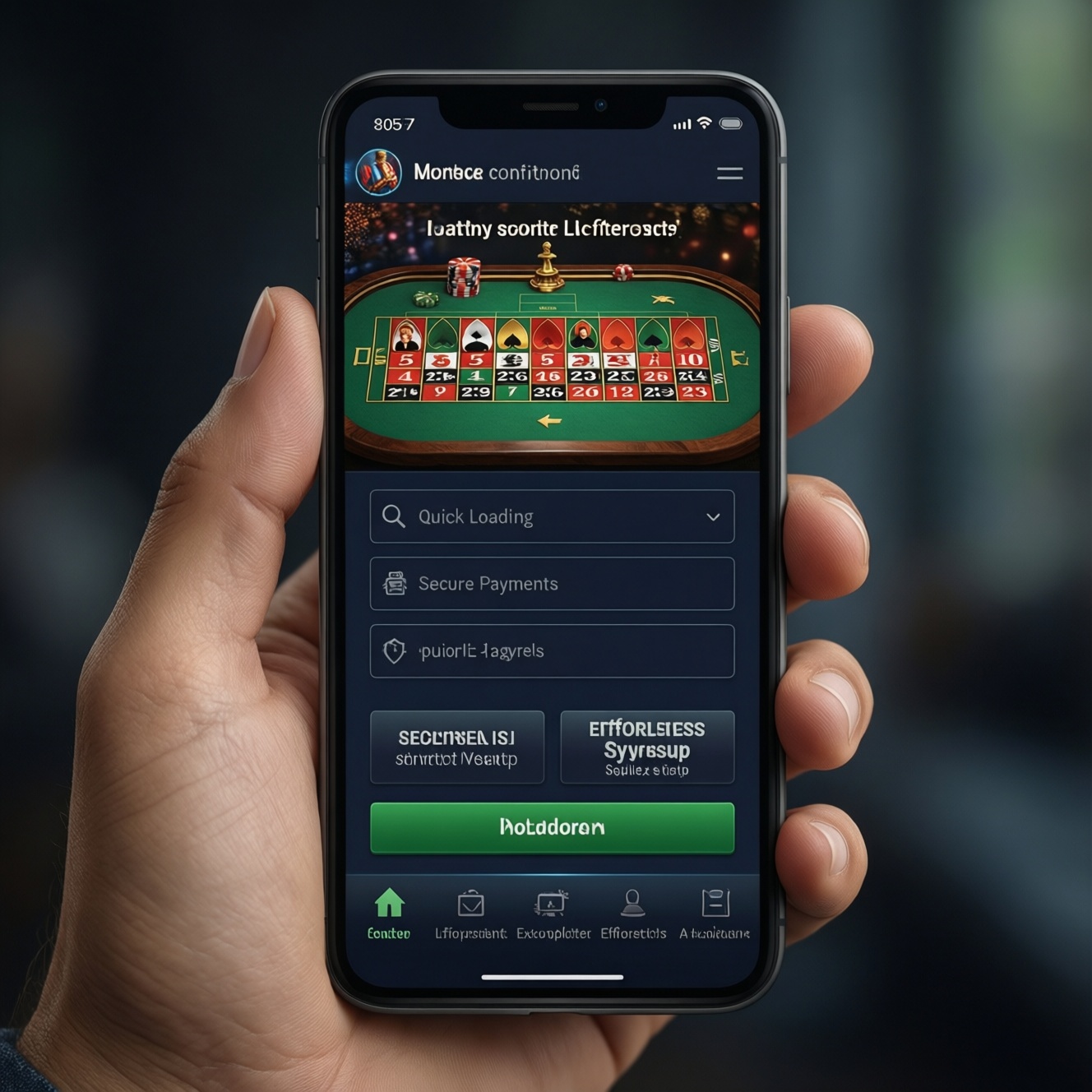
A smooth mobile casino UX comes from fast-first performance, clear navigation, low-friction registration, and payments that feel trustworthy on a small screen. Use this checklist to audit an online casino app or responsive web experience, remove the biggest drop-off points, and make it easy to play casino games on mobile without confusion, delays, or accidental taps.
Top UX Priorities for Mobile Casinos
- Reduce time-to-first-spin: land, understand, and launch a game in a few taps.
- Keep navigation predictable: stable bottom tabs, clear categories, and a strong search.
- Make performance visible and consistent: fast load, smooth animations, and resilient error handling.
- Design payments for confidence: transparent fees/limits, readable steps, and clear security cues.
- Ship accessibility and responsible-gambling controls as core UX, not add-ons.
- Measure the journey end-to-end: activation, first deposit, retention loops, and churn signals.
Onboarding and Account Setup Flow
When it fits: If your mobile casino app or mobile web experience relies on deposits, personalization, bonuses, and compliance checks, invest in a guided onboarding that gets users to "first value" quickly while keeping required steps explicit.
When not to overbuild: If your product is primarily discovery (browsing games, learning rules), avoid forcing account creation too early. Let users explore and only gate actions that truly require identity (saving favorites, deposits, withdrawals).
- Success criteria (measurable): users can reach a playable demo or real-money lobby without getting stuck; every required verification step states why it is needed; the flow has a clear "resume later" state.
- Practical pattern: "Explore first → Sign up to deposit/withdraw → Verify when needed," with progress indicators and short, readable explanations.
Navigation, Layout, and Information Architecture
To audit and improve navigation across mobile casino sites and apps, you'll need a small set of inputs and access rights so design decisions are tied to real usage and constraints.
- Analytics access: funnel events for install/land → registration → first game launch → first deposit → first withdrawal request; plus search usage, category clicks, and back-navigation patterns.
- UX testing setup: ability to run moderated/unmoderated tests on real devices (mid-range Android and recent iOS), with screen recordings and tap heatmaps (tool-agnostic).
- Game catalog metadata: provider, volatility/genre, RTP label policy (if used), new/trending flags, localization strings, and allowed filters.
- Support + policy inputs: top complaint categories (payments, verification, crashes), bonus terms, and responsible-gambling requirements for Thailand-facing users.
- Design system basics: tap targets, spacing, typography scale, icon set, and reusable components for banners, cards, drawers, and toasts.
- Success criteria (measurable): users can find a known game via search; users can return to the lobby in one tap; category labels match user language (not internal provider jargon).
- Example IA for "best mobile casino apps" feel: Home (personalized) → Games (search + filters) → Promotions → Wallet → Profile/Support.
Game Performance, Rendering, and Load Optimization
-
Set device-based performance budgets
Define target thresholds per device tier (low/mid/high) for app start, lobby render, and first-game playable state. Budget by "time to interact" rather than just download size so the experience stays smooth in real conditions.
- Include a "slow network" budget (spotty Wi‑Fi and mobile data) and measure it routinely.
- Require a performance review before each release that touches lobby, search, or game launch.
-
Optimize the lobby rendering path
Prioritize above-the-fold content: render the first visible rows quickly and defer non-critical elements (heavy carousels, provider badges, large promo media). Use placeholders that don't jump to prevent mis-taps when content loads.
- Use stable card heights; avoid late-loading images that shift layout.
- Limit concurrent network requests; batch where practical.
-
Make game launch resilient
Always provide a clear loading state with an estimated "what's happening" message (e.g., "Preparing game session"). If the launch fails, give a single, actionable next step (retry, switch network, or open support) rather than a generic error.
- Preserve user context: returning to the same game card after failure reduces frustration.
- Log the failure reason in a way customer support can reference.
-
Reduce re-downloads and repeated initialization
Cache assets intelligently and reuse sessions where compliant. Re-entering the same game should feel faster than the first launch, especially for returning players.
- Preload next-likely assets after the first meaningful interaction (not on app start).
- Invalidate cache predictably to avoid broken visuals after updates.
-
Prevent accidental taps during motion and load
Carousels, animated banners, and list updates often cause unintended opens. Freeze tap areas during transitions, keep animations subtle, and avoid auto-advancing elements near primary actions.
- Ensure tap targets remain consistent while images and text load.
- Delay promotional overlays until users finish a primary task (like selecting a game).
Fast-track mode (3-5 steps)
- Budget first: define "lobby interactive" and "first game playable" targets for low/mid devices.
- Fix layout shifts: stable card sizes, placeholders, and delayed heavy media.
- Harden game launch: clear loader, one-tap retry, support fallback, and context preservation.
- Cache smartly: speed up repeat launches without stale assets.
Payments, Security, and Clear Trust Signals
- Deposit and withdrawal screens show fees, limits, and processing time expectations in plain language before confirmation.
- Wallet uses consistent terminology (balance types, bonus funds rules) and links to conditions at the point of decision.
- Payment steps are linear and scannable: method → amount → details → review → confirm.
- Input fields are mobile-friendly (numeric keypad where appropriate) with immediate validation and helpful error messages.
- Security cues are real and specific: verified domain/app identity, clear session timeout behavior, and visible support/contact paths.
- KYC/verification flows explain why data is needed, what will be checked, and how to resume if interrupted.
- Users can review transaction history with reference IDs and clear status definitions (pending/complete/failed).
- When a payment fails, the UI offers one best next action (retry, change method) and doesn't silently lose the attempt.
Accessibility, Inclusivity, and Responsible-Gambling Tools
- Relying on color alone for status (win/loss, error/success) without text labels or icons.
- Tap targets that are too small in dense game grids, causing frequent mis-taps and rage taps.
- Low-contrast text over promotional imagery, especially on outdoor brightness and older screens.
- Non-dismissable overlays that interrupt game selection or block wallet actions.
- Responsible-gambling tools buried deep in settings with unclear names (users can't find limits, breaks, or self-exclusion quickly).
- Limit-setting flows that hide consequences (e.g., when changes take effect) or lack confirmation/summary.
- Support and help content that is not localized for Thailand-context language expectations, leading to misunderstanding of bonuses and withdrawals.
- Time and spend summaries that are missing or hard to interpret, making it difficult for users to self-monitor.
Analytics, A/B Testing, and Continuous Improvement
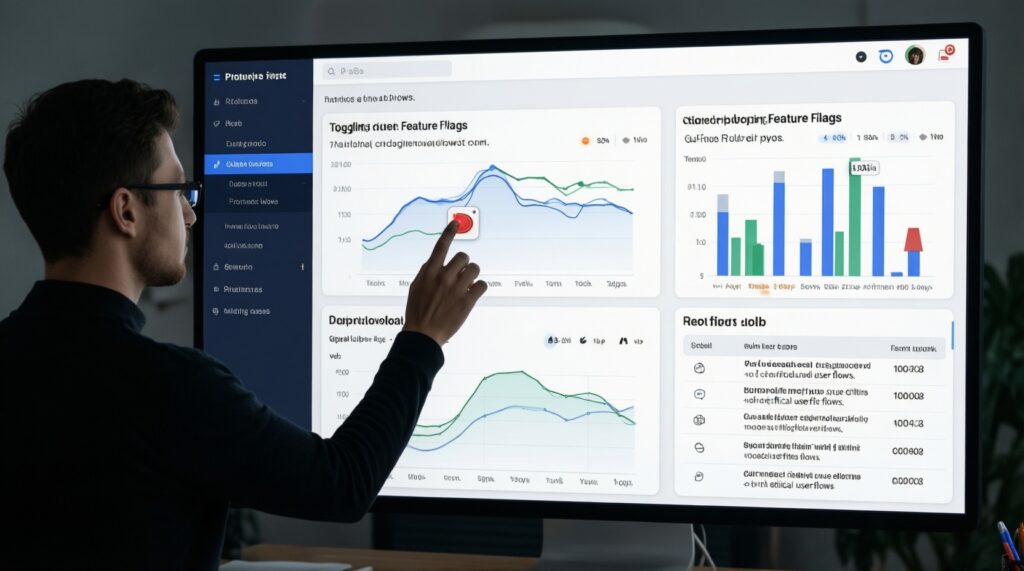
Choose an iteration approach based on your risk tolerance, compliance needs, and how frequently your content changes (games, promos, payment methods) across an app and web.
- Feature flags + staged rollouts when you need safer releases for critical flows (registration, deposit, game launch) and want quick rollback if metrics dip.
- Server-driven UI (limited scope) when promotions and lobby layout change often; keep it constrained so performance and accessibility don't regress.
- Qual-first sprints when metrics tell you where users drop but not why; pair session replays with short device-based usability tests.
- Experiment holdouts when you suspect short-term lifts hurt retention; maintain a stable control group to detect long-term impacts on returning players.
- Success criteria (measurable): every change has a primary metric (e.g., game-launch success), a guardrail (crash rate/support tickets), and a defined "ship/rollback" rule.
- Operational tip: evaluate app vs web separately-an experience that works for a responsive site may not translate 1:1 to an online casino app shell.
Practical Questions Product Teams Ask About Mobile Casino UX
Should we force sign-up before users can browse games?
Usually no-let users explore the lobby and open game details first, then require sign-up only for actions like deposits, withdrawals, or saving favorites.
What navigation pattern works best for a mobile casino app?
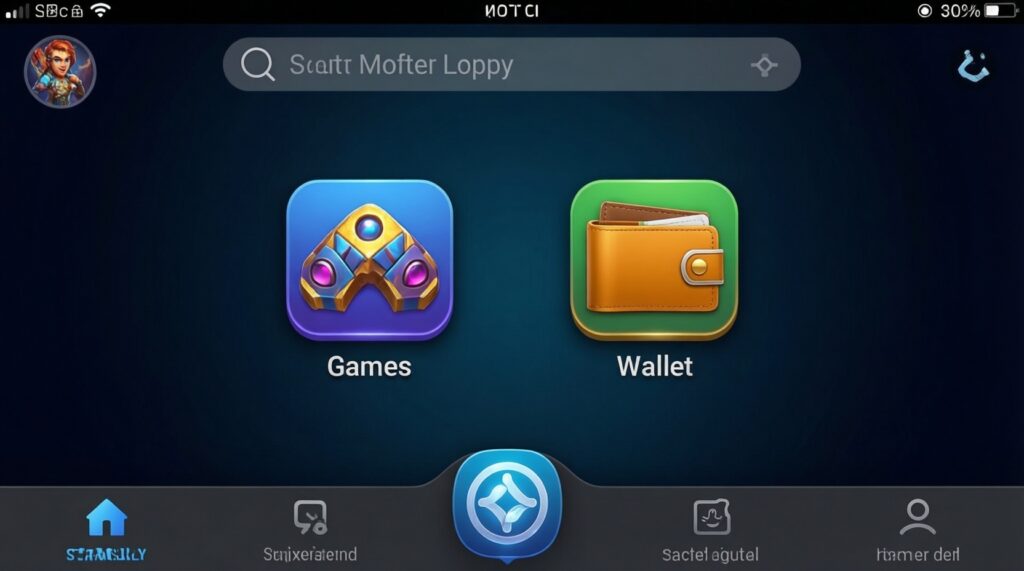
A stable bottom navigation with 4-5 core tabs typically reduces confusion. Keep "Games" and "Wallet" one tap away and add search near the top of the lobby.
How do we make mobile casino sites feel faster without changing providers?
Optimize the lobby rendering path: defer heavy media, prevent layout shifts, and show a clear, actionable loader for game launch failures.
What trust signals matter most during deposits and withdrawals?
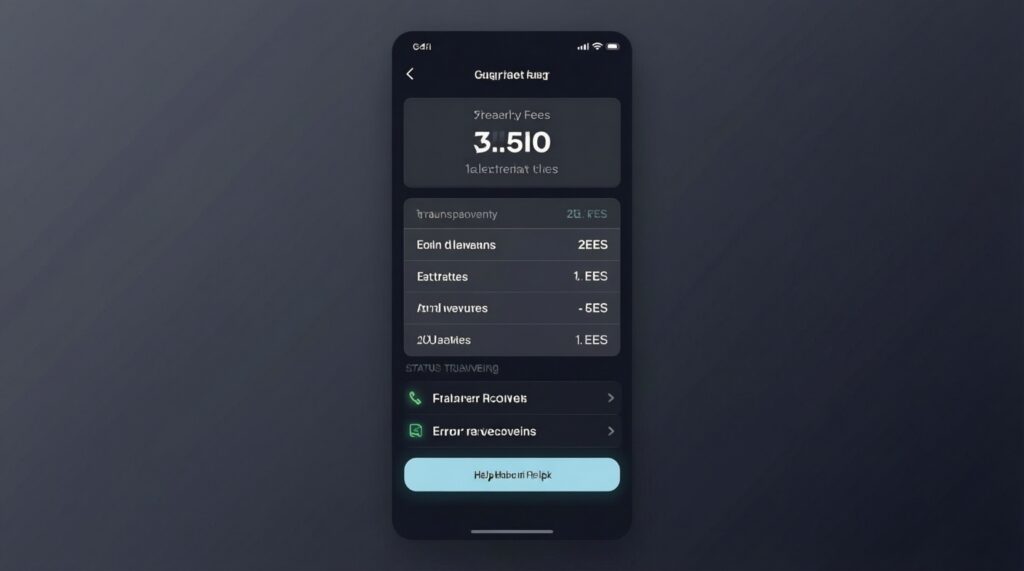
Clear limits/fees, transparent statuses, and specific error recovery steps matter more than decorative badges. Users should always know what happens next and how to get help.
Which responsible-gambling tools should be easiest to find?
Time and deposit limits, cooling-off/break options, and self-exclusion should be reachable from Profile/Wallet within a few taps and explained in plain language.
How can we compare "best mobile casino apps" UX fairly?
Audit the same tasks: find a game, launch it, deposit, and locate support/limits. Use the same devices and network conditions to avoid misleading conclusions.
What's the simplest analytics setup to start improving?
Track the critical funnel (land/install → register → first game launch → first deposit) and add failure events for game launch and payments so you can prioritize fixes that unblock users.