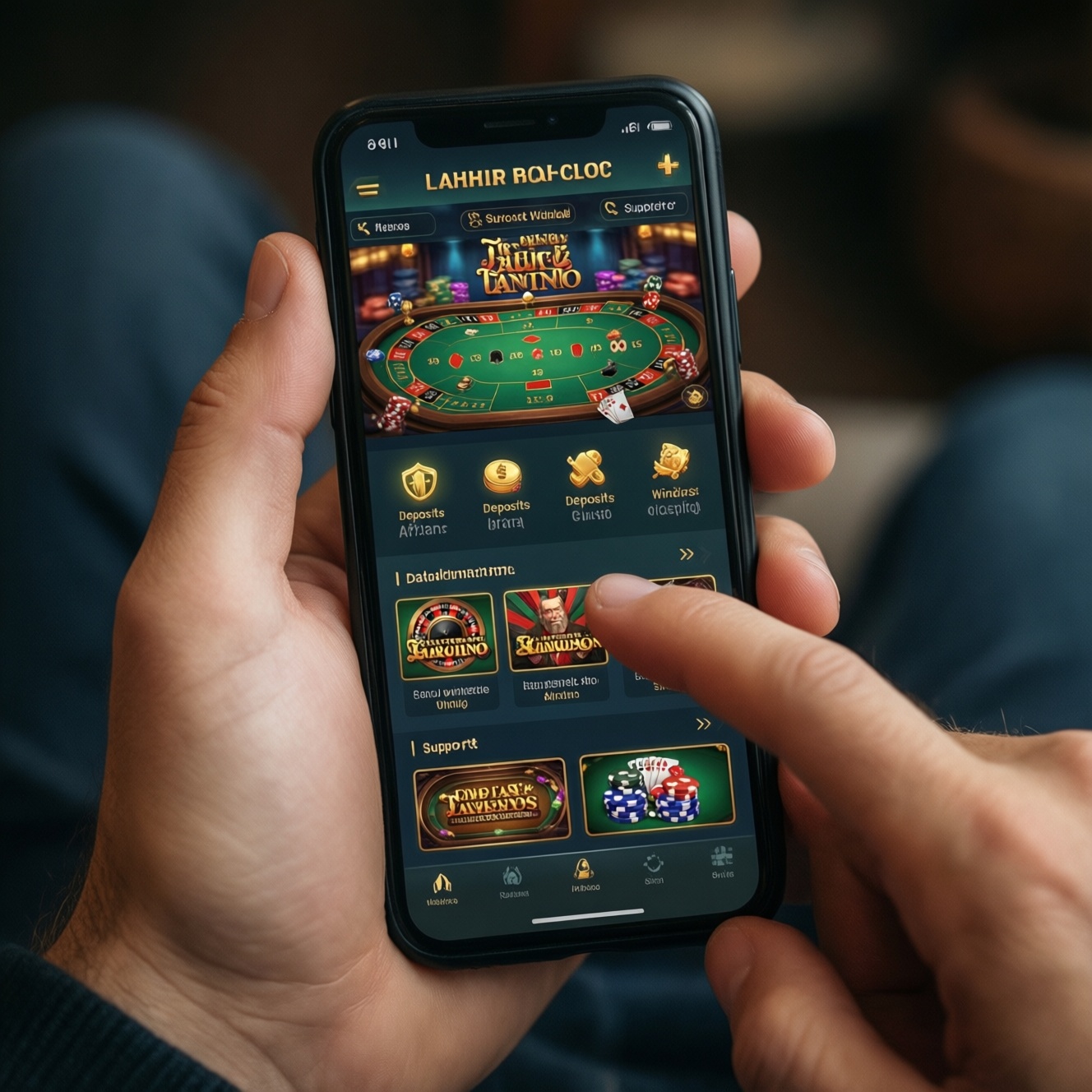
A casino app is "actually good" on iOS/Android when core gambling tasks (browse games, learn rules, deposit, play, withdraw, get help) are fast, unambiguous, and safe under real-world constraints like shaky networks and one‑hand use. Use this checklist to evaluate any best mobile casino app candidate, including a real money casino app, without relying on marketing.
Quick UX Checklist for Mobile Casino Apps
- Onboarding is skippable, explains requirements (age/region), and never hides fees, limits, or verification triggers.
- Navigation supports one-hand use: persistent tabs, predictable back behavior, and a strong search with filters.
- App stays responsive on poor connections: clear loading states, resumable actions, and graceful recovery after interruptions.
- Game UI prevents accidental taps: safe spacing, clear "Spin/Bet" states, and confirmation for high-impact actions.
- Payments and KYC are transparent: expected documents, status timeline, and human-readable error messages.
- Responsible gambling is easy to find: limits, cooling-off, and self-exclusion are not buried.
- Accessibility and localization are real: readable text, screen-reader support, and Thai/English content quality where relevant.
Onboarding & Account Flow: Fast, Clear, Compliant
When this approach fits: Use a guided but lightweight onboarding when your audience includes first-time players, you operate across regions, or you expect early KYC/AML checks. This is critical if you want to be considered the best online casino app iOS or best online casino app Android by users who judge trust in the first minutes.
When not to do it: Don't force a long registration before users can browse games or read rules; it increases drop-off and drives "guessing." Avoid dark patterns (pre-ticked marketing consent, unclear bonus terms), which can ruin a mobile casino app review even if the games are strong.
Practical microcopy that reduces confusion
- Before signup: "You can explore games first. Sign up when you're ready to deposit or claim a bonus."
- KYC expectation setting: "Withdrawals may require identity verification. Preparing documents now helps avoid delays."
- Consent clarity: "Receive promotions (optional). You can change this in Settings anytime."
Navigation & Information Architecture for Thumb-Friendly Use
What you'll need: access to analytics events (funnels, search usage), crash/performance logs, UX writing, a basic design system (components for tabs, sheets, toasts), and test devices across iOS/Android. Also secure access to a staging environment to validate payment/KYC flows without real funds.
Information architecture essentials
- Primary destinations: Lobby/Home, Search, Promotions/Bonuses, Wallet/Cashier, Support, Account.
- Game discovery: provider filters, volatility/features tags (where allowed), "recently played," and "favorites."
- Trust cues: license/terms links, payout/withdrawal rules, and responsible gambling entry points.
Choosing a navigation pattern (good vs bad trade-offs)
| Decision area | Good implementation | Bad implementation | Why it matters (risk-aware) |
|---|---|---|---|
| Primary navigation | Bottom tabs (3-5 items), stable across most screens | Hidden hamburger menu for core tasks | Hidden navigation increases mis-taps and support load; users can't quickly reach Wallet/Support during stressful moments. |
| Back behavior | Consistent: back returns to the previous app screen; exiting a game returns to the game card | Back randomly closes the app or jumps to Lobby | Unpredictable back behavior feels unsafe during real money casino app sessions, especially around deposits/withdrawals. |
| Search | Search remembers recent queries and supports typo tolerance | Search only by exact game name | Poor search makes the catalog feel "small" and drives users to competitor apps labeled best mobile casino app. |
| Promotions entry | Bonuses page explains eligibility and wagering terms in plain language | Promo banners with hidden terms until after opt-in | Ambiguous bonuses increase disputes, chargebacks, and negative mobile casino app review outcomes. |
Performance, Stability, and Battery/Network Efficiency
Risks & constraints to respect (risk-aware):
- Network volatility: users may switch between Wi‑Fi and mobile data; requests can fail mid-transaction.
- Interrupted sessions: calls, notifications, OS task switching, and low battery can suspend the app unexpectedly.
- Payment sensitivity: duplicate taps or retries can create double submissions if your backend is not idempotent.
- Device diversity: older Android devices may struggle with heavy animations and large game assets.
- Compliance logging: you may need auditable events; excessive logging can degrade performance if not batched.
-
Define "slow" in user terms, not only tech metrics
Pick a small set of user-visible checkpoints: app launch to Lobby, open a game, open Cashier, confirm deposit, resume after backgrounding. Track these per OS (iOS vs Android) so you can compare best online casino app iOS vs best online casino app Android experiences fairly.
- Success criterion: users always see a clear state (loading/ready/error) rather than a frozen screen.
-
Make every critical action resumable
For deposits, withdrawals, and KYC submissions, design for "resume where you left off" after an interruption. Store drafts locally when appropriate and confirm server state when the app returns.
- UX requirement: a visible status label like "Processing / Completed / Needs action," not a spinner forever.
-
Use idempotency and tap-protection for money actions
Prevent double charges by disabling the submit button after tap, showing a "Processing..." state, and using an idempotency key on the backend for payment requests.
- Microcopy: "Do not close the app. If this takes too long, you can check the status in Wallet."
-
Optimize game loading with progressive disclosure
Load the game shell first, then secondary assets. Show a lightweight preloader with meaningful steps (not fake percentages) and provide an exit path back to the Lobby.
- Safety: if a game fails to load, offer "Try again" and "Return to Lobby," plus a short error explanation.
-
Instrument crashes and freezes with actionable context
Log OS version, device model, network type changes, and the last user action (e.g., "Opened Cashier," "Submitted KYC"). Review release-by-release to catch regressions that would affect any best mobile casino app contender.
- Privacy note: avoid logging sensitive inputs (documents, full card numbers, passwords).
Controls, Game Screens and Touch Interaction Design
Use this check to validate the "moment-to-moment" experience inside games and the surrounding chrome (headers, balance, quick menu). These items strongly influence whether users call your product the best online casino app Android or best online casino app iOS in practice.
- Primary actions (Spin/Deal/Bet) have clear enabled/disabled states and don't shift position between screens.
- High-impact actions (max bet, auto-play, buy feature) require deliberate interaction (confirmation or press-and-hold) and explain consequences.
- Touch targets are large enough to prevent accidental taps; critical buttons are not adjacent to close/back.
- Sound/vibration controls are accessible without leaving the game; defaults respect OS mute settings where applicable.
- Balance, bet size, and session state are always visible or one tap away; numbers are formatted consistently.
- Loading and reconnection states don't allow betting "blind"; the UI blocks risky actions until server sync is confirmed.
- Error messages are specific ("Connection lost-your last spin result is saved. Reconnecting...") rather than generic.
- Orientation behavior is predictable; rotating the device never triggers an unintended action.
Payments, Verification and Regulatory UX Considerations
- Hidden withdrawal requirements: asking for documents only after a withdrawal attempt without prior warning creates distrust.
- Ambiguous fees/limits: not showing minimum/maximum amounts and processing times before confirmation leads to disputes.
- One-size-fits-all errors: "Payment failed" without a reason and next step increases repeated taps and double submissions.
- Over-collection of data: requesting unnecessary personal info increases privacy risk and drop-off; collect only what you can justify.
- Unclear KYC status: users need a simple timeline (submitted → in review → approved/needs more info) with what to do next.
- Bonus terms buried in tiny text: this is a common trigger for negative mobile casino app review feedback.
- Support not reachable from Cashier: payments are stressful; provide contextual help without forcing navigation resets.
- Unsafe session handling: auto-logout during a payment step without a recovery path makes users repeat actions.
Accessibility, Responsible Gambling and Localization
Use these alternatives depending on your product scope and regulatory exposure in Thailand (th) and neighboring markets.
- Accessibility-first UI kit: Choose this when you expect broad device diversity and want fewer UX regressions. It's suitable for teams aiming for "good by default" rather than one-off fixes.
- Responsible gambling "front door" vs "deep settings": Put limits and cooling-off in the Account main level when trust is a priority; keep advanced controls deeper to reduce accidental changes, but never hide self-exclusion.
- Two-language experience (Thai/English): Use when you serve mixed-language users; localize not just labels but also payment/KYC instructions and error messages to reduce support tickets.
- Lite mode for weak networks: Use when many users are on unstable connections; reduce animations, prefetch less, and prioritize Wallet/Support reliability.
Practical Answers on Common Mobile Casino UX Challenges
What makes users trust a real money casino app quickly?
Clear rules before payment, predictable navigation, and transparent KYC/withdrawal steps. Users trust what they can verify in-app without hunting through banners.
How do I compare a best online casino app iOS experience vs Android fairly?
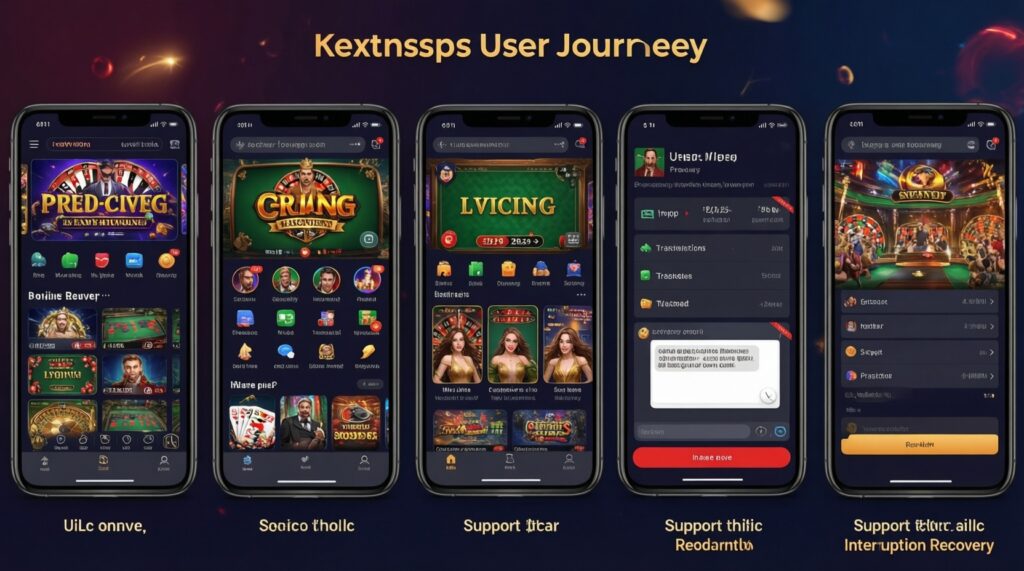
Compare the same journeys (browse → open game → deposit → play → withdraw → support) on real devices, focusing on visible states and recovery from interruptions.
What's the fastest UX improvement that changes a mobile casino app review tone?
Replace generic payment and login errors with specific causes and next steps. Add a visible status for pending deposits/withdrawals to stop repeated retries.
Should browsing games require an account?
Usually no. Let users explore games and rules first; require login for deposits, saving favorites, and responsible gambling settings tied to an identity.
How do I prevent accidental high bets on touch screens?
Use confirmation or press-and-hold for max bet/auto-play and separate high-impact controls from exit/back. Keep button positions stable to avoid muscle-memory mistakes.
What's a practical definition of "best mobile casino app" from a UX perspective?

One that stays stable under real conditions, makes money actions safe and resumable, and communicates rules and account status clearly without surprises.
What's the biggest pitfall in best online casino app Android design specifically?
Assuming all Android devices handle heavy animations and large assets equally. Provide adaptive performance (lite mode, reduced motion) and test on mid-range devices.